
When does an Airtable CRM work?
Airtable is a database with a spreadsheet face. Each table holds one kind of thing, such as people, companies or deals, and a linked record field joins them. A company record can show its people, and a deal can show the person you are talking to. Views turn the same table into a grid, a board, a calendar or a timeline, so a board grouped by stage is your pipeline.
An Airtable CRM fits a founder or a small team with a few hundred people to track, and it fits best when the rest of the work already lives in Airtable. Onboarding, delivery and invoices can sit in the same base as the deals, linked to the same company.
How do you set up an Airtable CRM?
Airtable's template gallery has a free Sales CRM template, plus a Simple sales CRM, a Business development CRM and a Sales pipeline. Start from one, or build your own in about fifteen minutes:
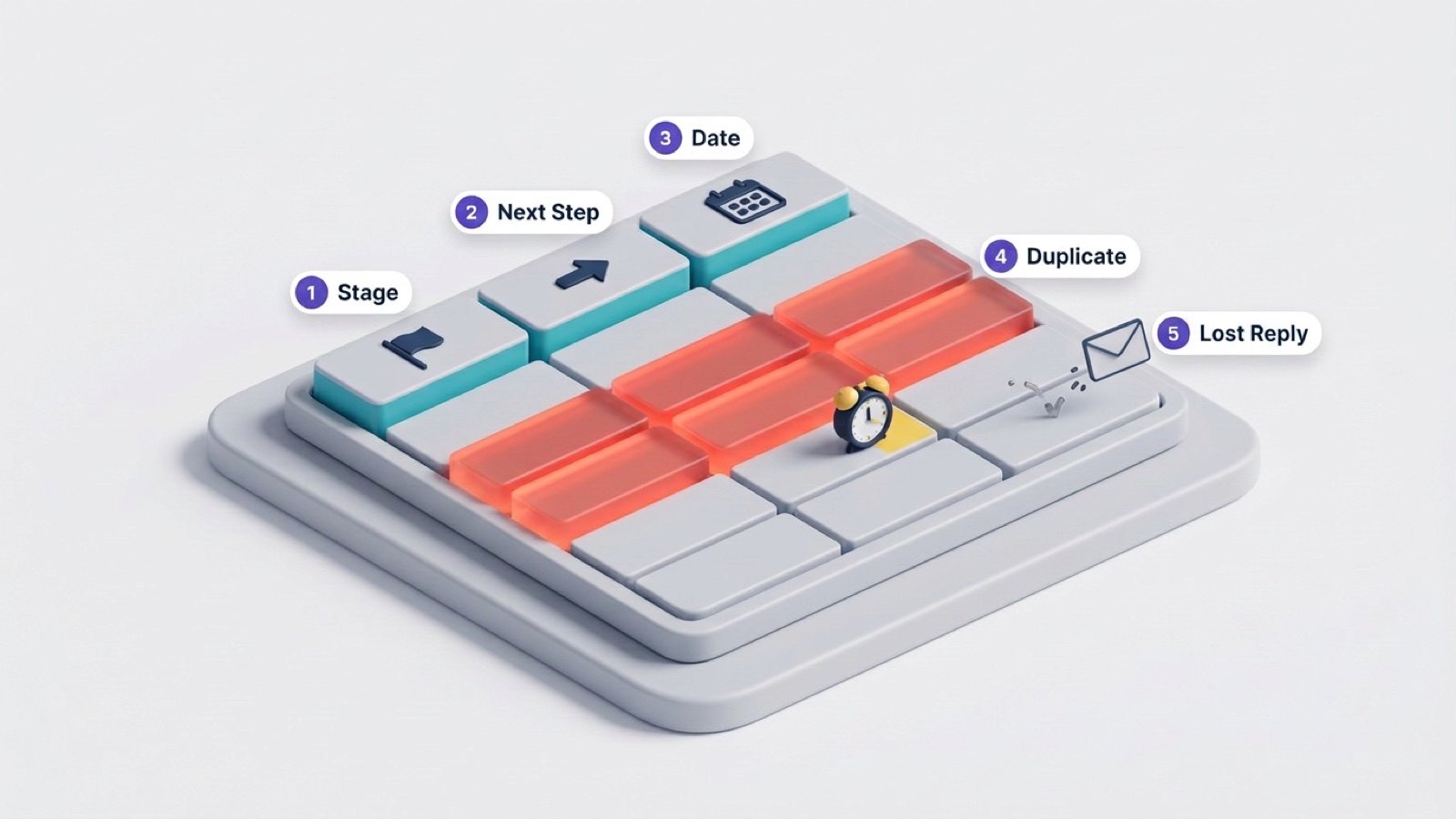
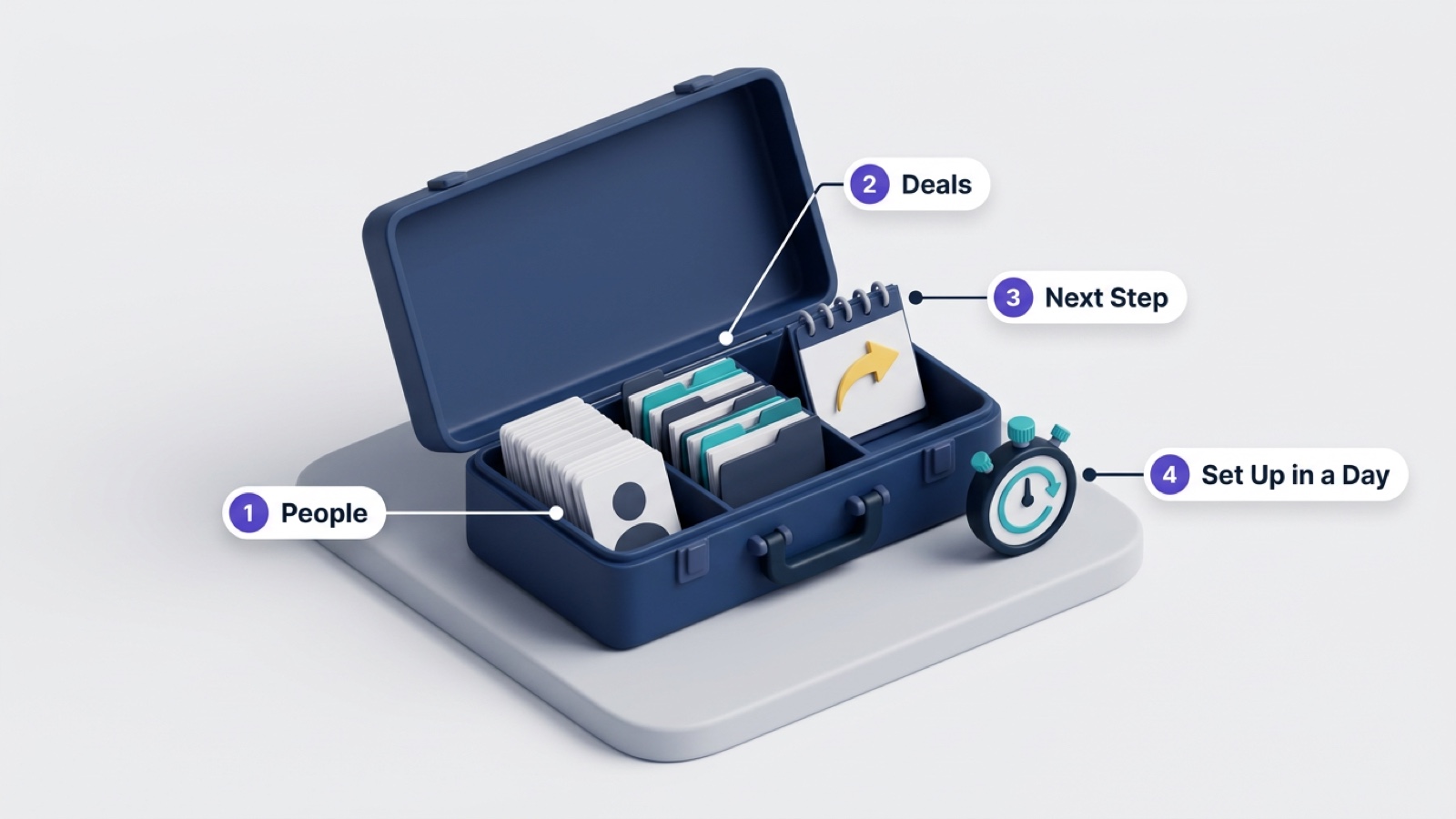
- Make a People table with these fields: name, email, LinkedIn URL, source, stage, next step, next step date and last touched.
- Make a Companies table and a Deals table. Link People and Deals to Companies with linked record fields.
- Add a board view of Deals grouped by stage, and a grid view of People filtered to "next step date is before today". The second view is your list for the day.
- Give every person a stage from one short list, for example lead, contacted, replied, meeting booked, proposal, won, lost.
The same columns work in a spreadsheet; the [Google Sheets CRM template](/guides/google-sheets-crm) explains what each one is for.
What does Airtable cost and limit for a CRM?
Airtable charges per collaborator who can edit. Read-only collaborators, form submissions and share links are free. Your first workspace starts with a 14-day trial of the Team plan. Prices and limits below are from Airtable's pricing page and plans overview, as of 26 November 2026.
| Need | Airtable on 26 November 2026 |
|---|---|
| Price per collaborator a month | Free $0; Team $20 billed annually or $24 monthly; Business $45 billed annually or $54 monthly |
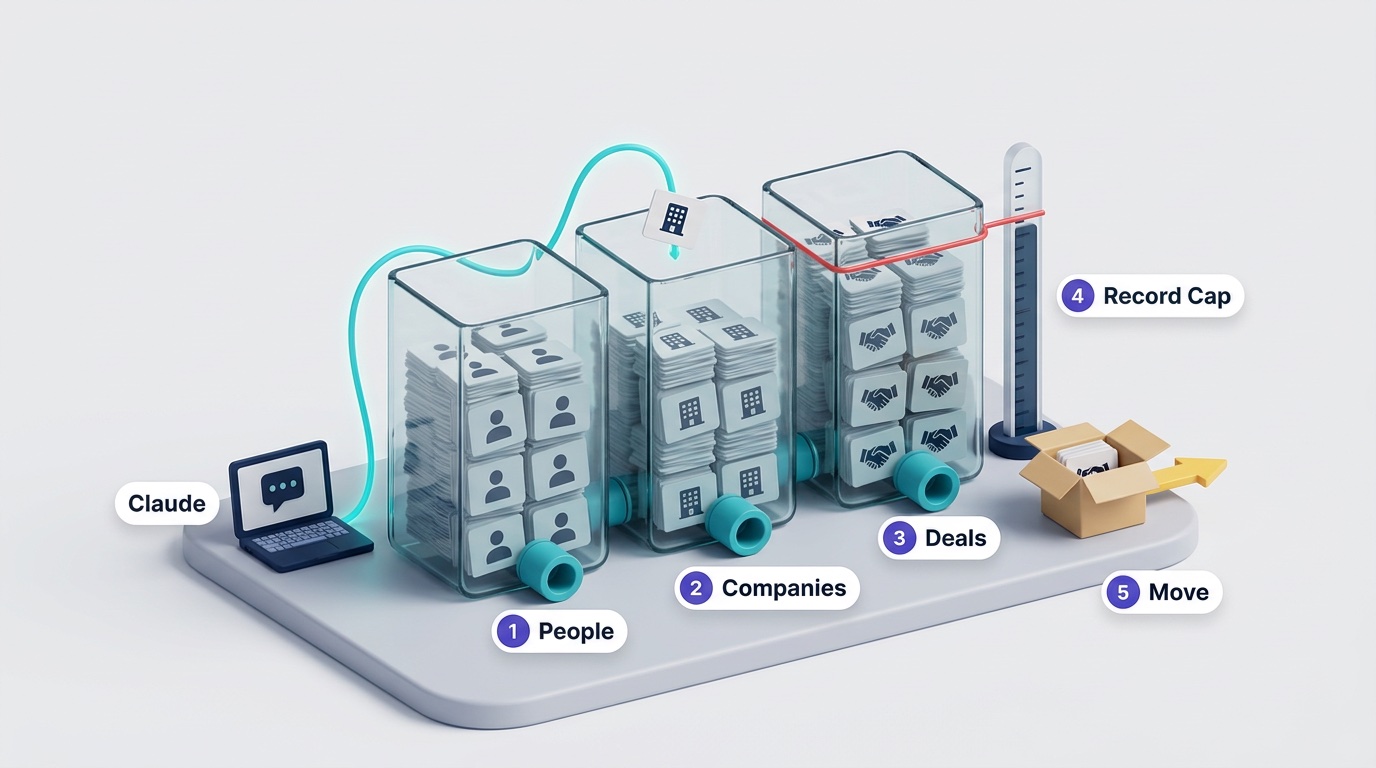
| Records per base | Free 1,000; Team 50,000; Business 125,000. The cap counts every table in the base together |
| Automation runs per workspace a month | Free 100; Team 25,000; Business 100,000 |
| Editors | Free allows up to 5 editors or creators; paid plans bill each one |
| API calls per workspace a month | Free 1,000; Team 100,000; Business unlimited |
| API speed limit | 5 requests a second per base |
| Revision history | Free 2 weeks; Team and Business 1 year |
| Claude connector | Airtable's MCP server works on all plans, and Claude is one of the tools it names |
| Finds and merges duplicate people | Yes, with the dedupe extension on paid plans (exact, similar or fuzzy match) |
| Syncs email replies onto a person | Not found. Paid plans can send Gmail from an automation; the Google triggers we found are Calendar, Forms and Sheets |
| Logs LinkedIn activity on a person | Not found |
"Not found" means we did not find it in the vendor's own pages or docs on the date checked. It does not prove the feature is missing. The record cap is the one to watch. 300 companies, 600 people and 100 deals add up to 1,000 records, the whole Free plan. When you pass a cap, Airtable says your data stays and nothing is deleted, but you cannot add records until you upgrade.
What can Claude build in an Airtable CRM?
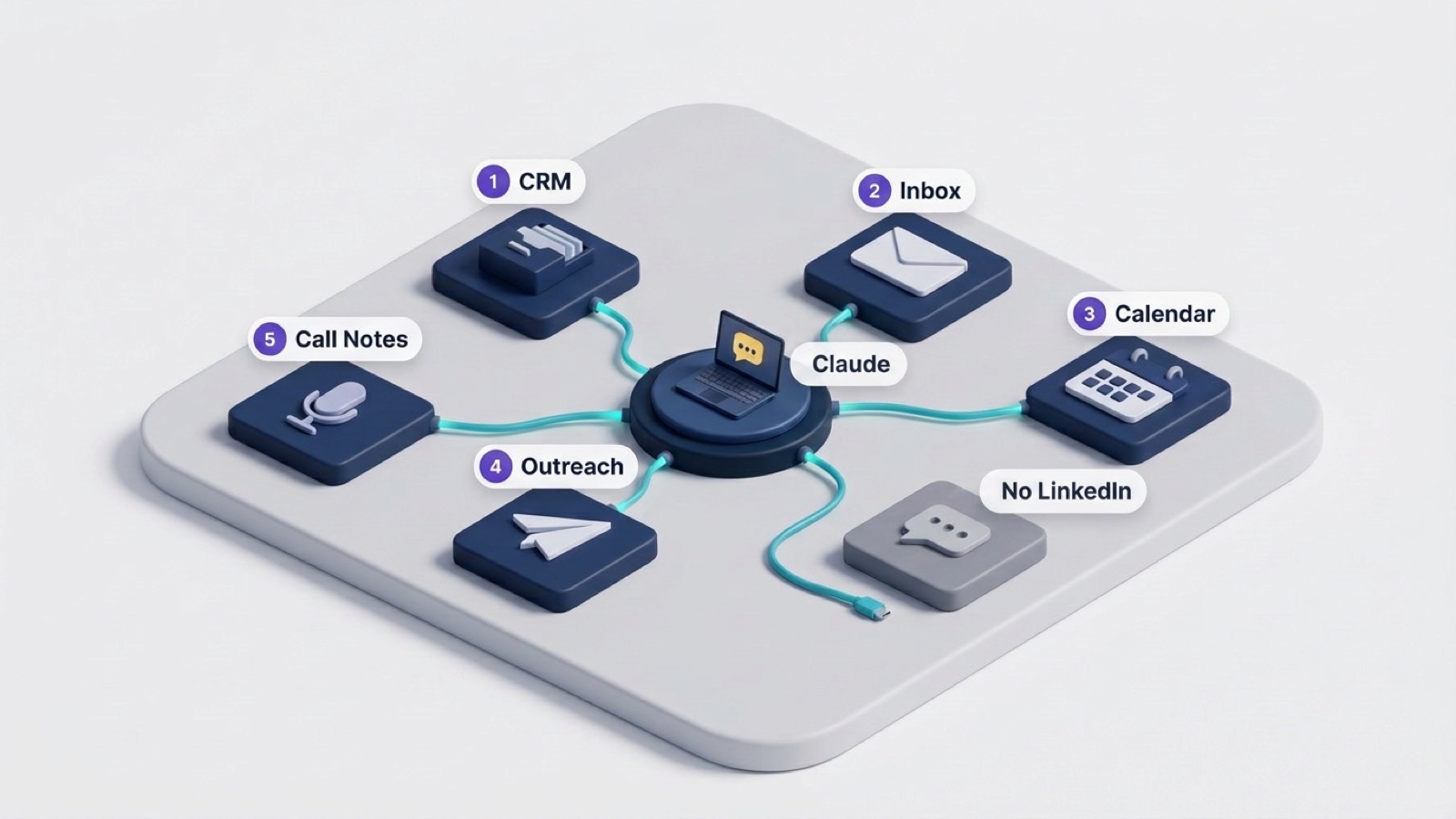
Airtable's MCP server gives Claude a lot of building power. Its tools reference, read on 26 November 2026, lists tools to create bases, tables and fields, add and update records, search them, build interface pages such as a board or a calendar, and draft automations. Claude acts with your own Airtable permissions, so it can only change what you can change.
A few jobs stay with you:
- Turning an automation on. Claude saves it as a draft, and you switch it on in the Airtable app.
- Changing a field's type or its list of choices. Claude can rename a field or change a formula, but not those two.
- Script steps in automations and filters on interface pages. Both are set by hand.
Claude creates records 10 at a time, and Airtable says MCP calls follow its normal API speed limits. We did not find whether those calls count toward the Free plan's 1,000 API calls a month, so try a small job before you ask Claude to clean up the whole base.
What are the signs you have outgrown an Airtable CRM?
- You are near the record cap. People, companies, deals and notes all count toward the same number, so a busy month of prospecting can fill it.
- Follow-ups slip. An automation can remind you, but you build and pay for each one, and the Free plan gets 100 runs a month.
- You copy activity in by hand. We did not find a built-in sync that puts email replies or LinkedIn messages on the person, so you paste them in or build the link yourself.
- A second seller joins. Each editor is billed, and two people need shared rules for stages and fields that a base will not enforce for you.
- You cannot tell who deserves attention. A list of deals does not say who read your email twice or came back to your pricing page.
One sign is a nuisance. Three means you are doing the CRM's job yourself.
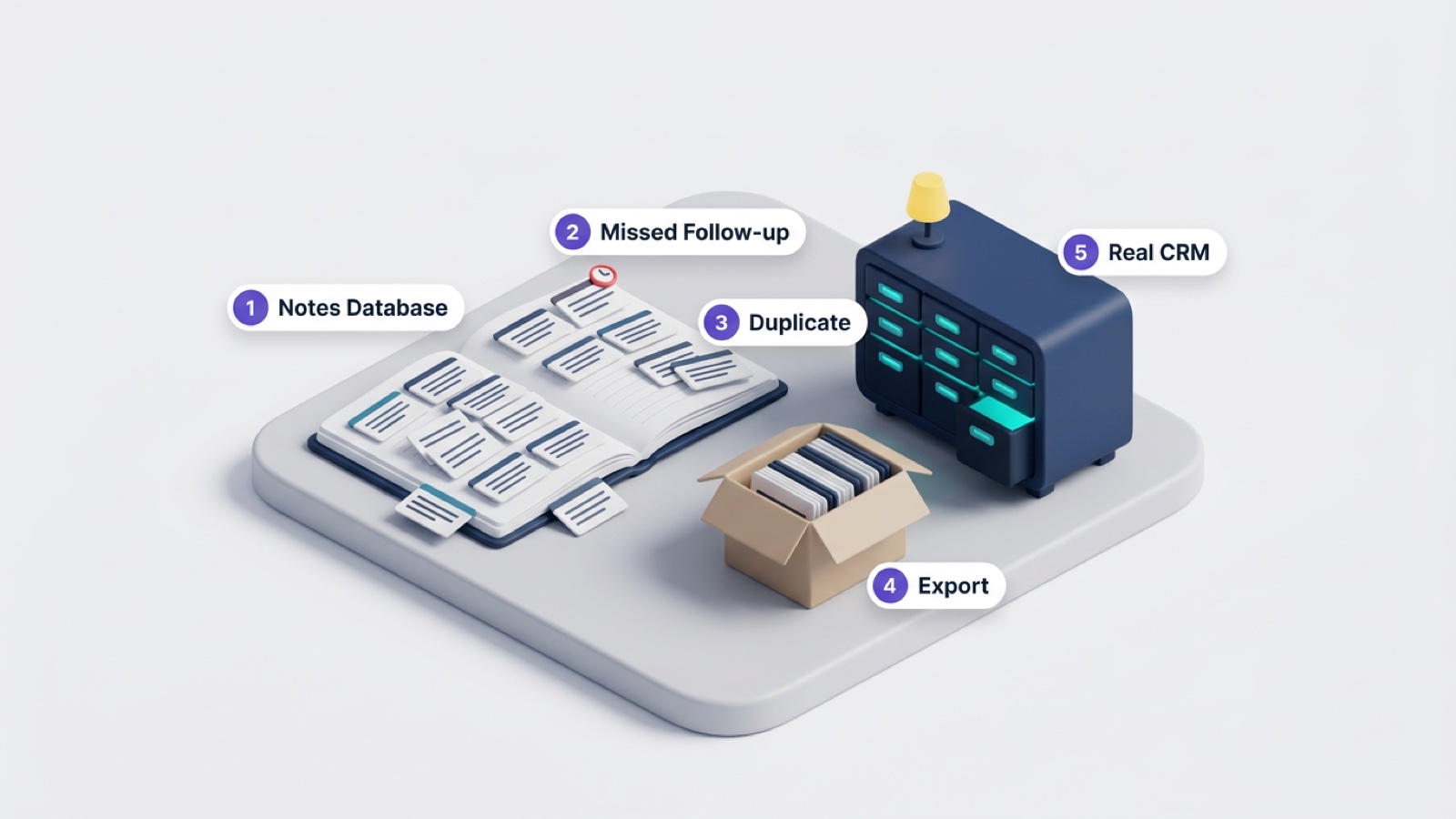
How do you move from Airtable to a CRM without losing history?
Claude can do most of the move. Through Airtable's MCP server it can list every record in a table, so it can read People, Companies and Deals and lay them out for the new CRM.
- Ask Claude to read the People table and make one row per person, with email, LinkedIn URL and phone in their own columns.
- Put the notes and the last touched date in their own columns so the history comes across as text.
- Run the dedupe extension first if you are on a paid plan, so you do not carry two copies of one person into the new tool.
- Import into the new CRM, then check ten people against the Airtable records.
- Keep the base read-only for a month before you delete anything.
Where does RevyOps fit?
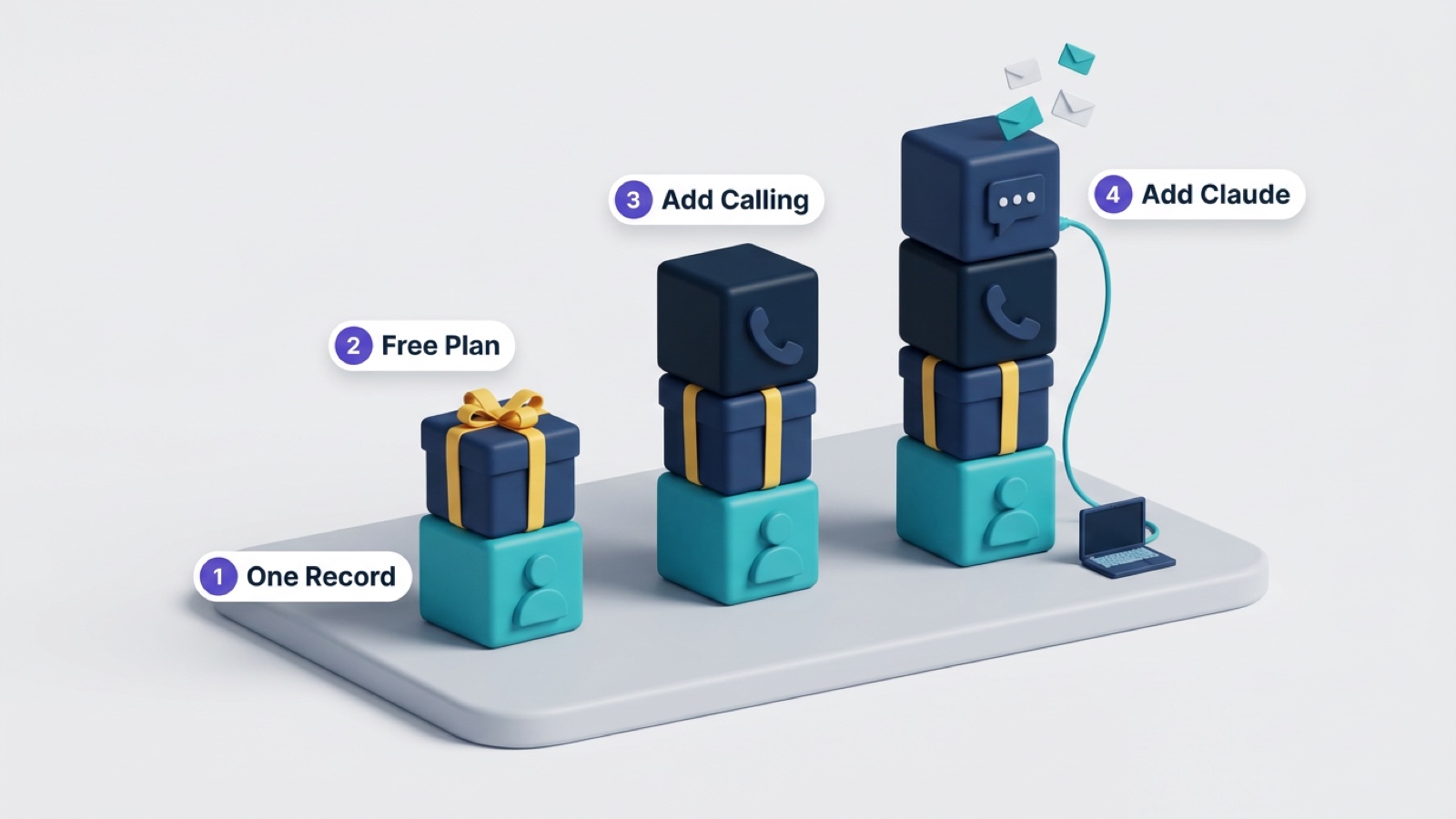
RevyOps is a CRM for a founder who works with Claude. It keeps each email, LinkedIn touch and logged call on one record per person, links people as activity arrives and asks you to confirm merges, and Claude builds the views and workflows through a connector. It launches on 26 January with a free plan. Choose Airtable while the list is small and your other work already lives there. Look at RevyOps when copying activity in by hand starts to cost you follow-ups.
Questions people ask
Is Airtable a CRM?
Not out of the box. Airtable is a database you can shape into a CRM with linked tables, views and a free Sales CRM template.
Is Airtable good as a CRM for a small team?
For a few hundred people and one or two sellers, yes. It gets harder when you reach the record cap or need email and LinkedIn activity on each person.
Is there a free Airtable CRM template?
Yes. Airtable's template gallery has a free Sales CRM template, plus a Simple sales CRM, a Business development CRM and a Sales pipeline.
How many records can an Airtable CRM hold?
1,000 per base on Free, 50,000 on Team and 125,000 on Business, as of 26 November 2026. The cap counts every table in the base together.
Can Claude work with an Airtable CRM?
Yes. Airtable's MCP server lets Claude read and update records, create tables and fields, and draft automations that you then turn on.
What does Airtable cost?
Airtable lists Free at $0, Team at $20 and Business at $45 per collaborator a month billed annually, as of 26 November 2026.
How we compared
Each vendor detail comes from its own pages and docs, checked on 26 November 2026.
- Airtable pricing: airtable.com/pricing
- Airtable plans overview: support.airtable.com/docs/airtable-plans
- Airtable Sales CRM template: airtable.com/templates/sales-crm/expaRDyCNa7YNZQoO
- Airtable dedupe extension: support.airtable.com/docs/dedupe-extension
- Airtable Google Workspace triggers: support.airtable.com/articles/3620236630-airtable-automation-trigger-google-workspace
- Airtable Google Workspace actions: support.airtable.com/articles/2598693679-airtable-automation-actions-google-workspace
- Airtable MCP server: support.airtable.com/docs/using-the-airtable-mcp-server
- Airtable MCP tools reference: airtable.com/developers/agents/mcp/tools
- Airtable API rate limits: airtable.com/developers/web/api/rate-limits