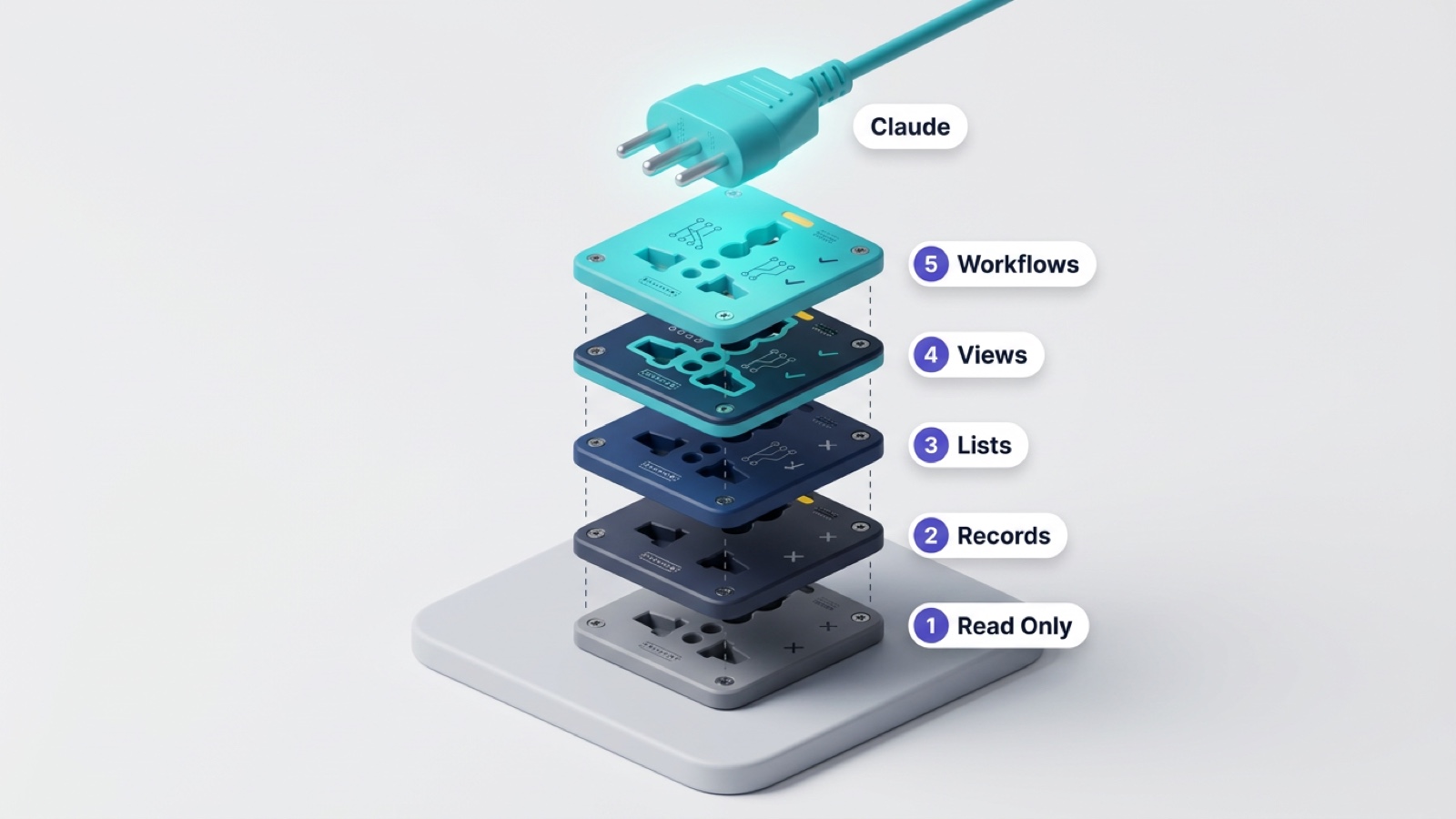

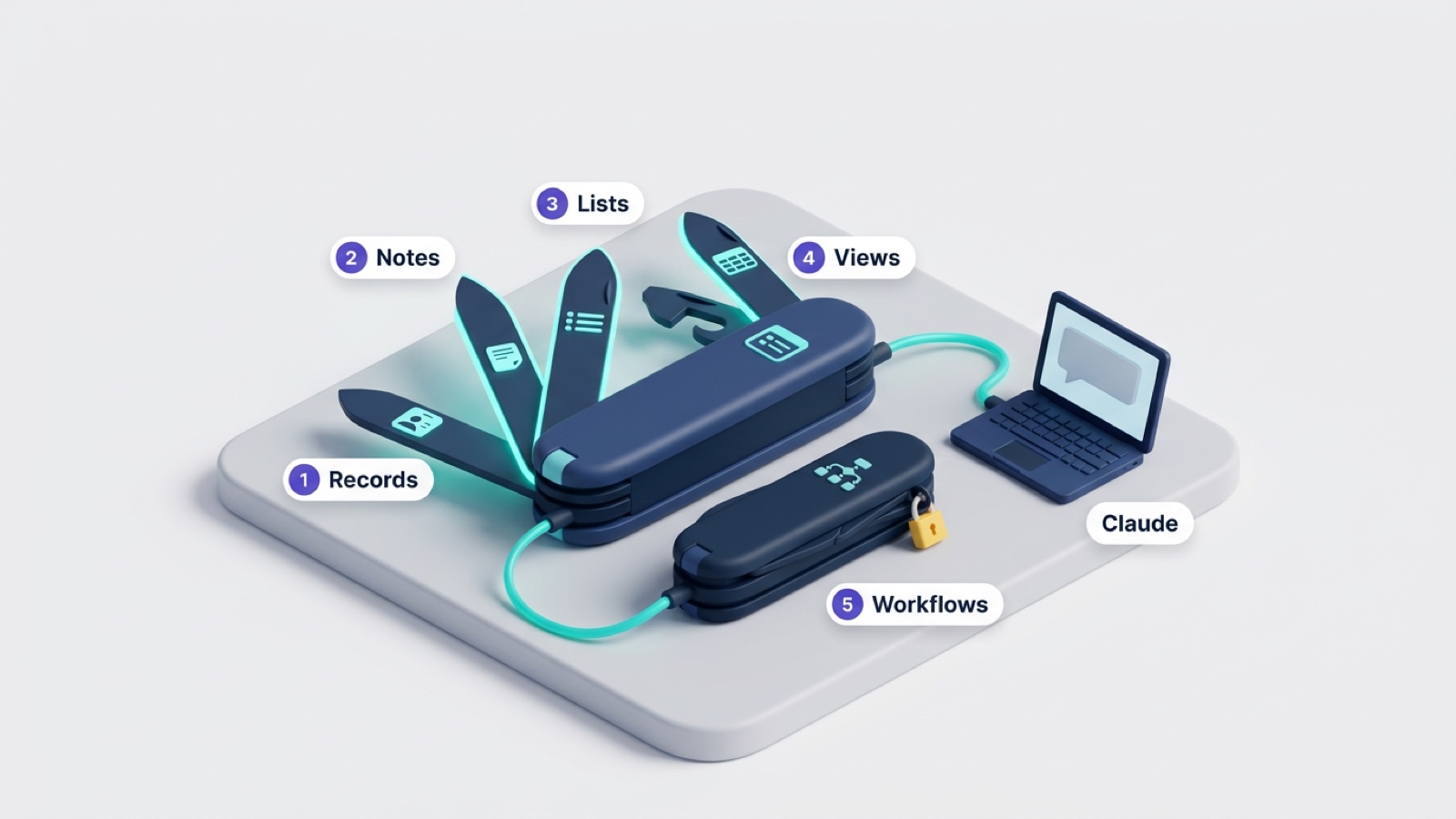
| What you ask Claude to do | Through the Attio MCP | Tools named in Attio's docs |
|---|---|---|
| Find and read records (people, companies, deals) | Yes | search-records, list-records, get-records-by-ids |
| Create or update a record | Yes, writes ask you to confirm | create-record, upsert-record, update-record |
| Merge two duplicate records | Yes | merge-records |
| Delete a record | Not found | No delete-record tool in the list |
| Create objects or attributes | Not found in the tool list (read only: list-objects, list-attribute-definitions) | See the note under "What can't Claude do" |
| Create a table or kanban view with filters | Yes | create-view, update-view, delete-view |
| Create a list and add records to it | Yes | create-list, add-record-to-list, update-list-entry-by-id |
| Write notes and tasks | Yes | create-note, update-note, create-task, update-task, delete-task |
| Read emails, meetings and call recordings | Yes, search and read | search-emails-by-metadata, semantic-search-emails, search-meetings, get-call-recording |
| Send an email | Not found | Emails can be read, not sent |
| Create or edit an Attio Workflow | No tools | None in the list |
| Run a basic report | Yes | run-basic-report |
| Run SQL | Read only, and not on every billing plan | query-particle-sql |
"Not found" means we did not find it in the vendor's own pages or docs on the date checked. It does not prove the feature is missing.
What does the Attio MCP server do?
Attio's MCP server lets an AI assistant such as Claude read and change data in your Attio workspace. The server is hosted by Attio at mcp.attio.com/mcp, so there is nothing to install. You sign in with your Attio account, and Claude can only reach what your own Attio permissions allow. Attio says the MCP server is on every plan and open to all workspace members.
Attio's docs list 53 tools in these groups: records and objects (9), activities (6), lists (8), views (5), comments (4), notes (5), tasks (4), meetings and calls (4), emails (3), workspace (3), reporting (1) and SQL (1).
What can Claude actually do with it?
Here are four jobs a founder would hand to Claude, and the tools behind each.
- Before a call, ask Claude to pull the person's record, the last notes, recent emails and the next meeting. Claude uses search-records, search-notes-by-metadata, semantic-search-emails and search-meetings.
- After a call, ask Claude to write the note, update the deal and create a follow-up task. Claude uses create-note, update-record and create-task.
- On Monday, ask Claude to build a view of open deals with no activity in two weeks and a list of the 20 people to contact. Claude uses create-view and create-list.
- When two records are the same person, ask Claude to merge them. Claude uses merge-records. Attio's own matching uses email address for people and domain for companies, so a person with two email addresses can still end up twice.
What can't Claude do through the Attio MCP?
- Build Attio Workflows. Attio has Workflows in the app, but its MCP has no tools to create or edit them. You set up each workflow in Attio's interface.
- Send email. The email tools search and read messages. Drafting and sending are not in the tool list.
- Delete records. The delete tools in the list cover comments, tasks and views, not records.
- Create objects and attributes, based on the tool list. Attio's help page says assistants can create custom objects and attributes, but the developer docs list only list-objects and list-attribute-definitions for them. If you need Claude to build your data model, test it in a trial workspace first.
- Go faster than the rate limits. Attio allows 100 reads and 25 writes a second per workspace, 5 merges a second, 300 searches a minute and 2 semantic searches a second. A bulk job over thousands of records needs to be spaced out.
- Do everything on every plan. SQL queries through the MCP are not available on every billing plan.
How do I connect Attio to Claude?
- In Claude, open Customize, then Connectors, and browse the directory for Attio. Attio's docs say to install it from there. Any other MCP client can use the server URL https://mcp.attio.com/mcp as a remote server.
- Sign in with your Attio account, choose the workspace and approve access. If changes land in the wrong workspace, disconnect the connector, reconnect and pick the right one.
- In a new chat, turn the Attio connector on from the plus menu.
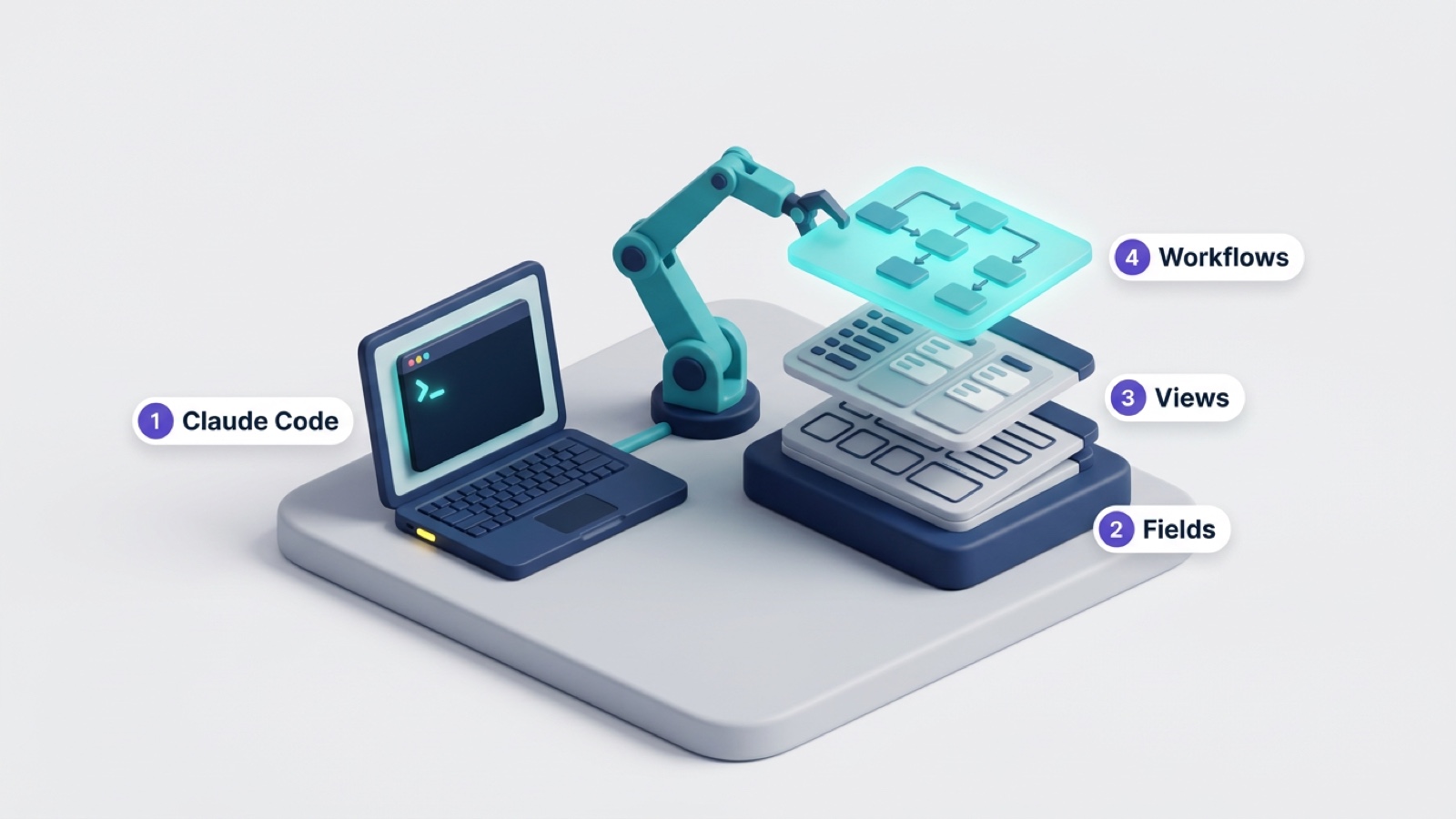
- In Claude Code, add the server with claude mcp add --transport http attio https://mcp.attio.com/mcp, then run /mcp to sign in.
Does Claude ask before it changes my Attio data?
Attio's developer docs say read tools run without asking and write tools ask for confirmation first. Attio's help page says an assistant asks before most tools by default, and that you can allow specific tools, such as read-only searches, to run without asking. Claude's own connector settings let you set each tool to Always allow, Needs approval or Blocked, so the safest setup is to leave every write tool on Needs approval.
How does RevyOps compare for Claude users?
RevyOps is a CRM built for the Claude you already use. Through its connector, Claude creates saved views, workflows, custom fields and custom activity types. Workflows are created switched off, and Claude is set up to ask before turning one on. RevyOps sells no AI credits; Claude's reads and writes count toward the plan's activity events.
Attio is the more finished product today, with calendar sync on every plan and meeting notes on Pro and Ultra. Choose Attio if you want that, and use its MCP for the jobs in the table. The full comparison is in RevyOps vs Attio. RevyOps launches on 26 January with a free plan, and the beta starts in December.
Questions people ask
Does Attio have an MCP server?
Yes. Attio runs an official hosted MCP server at mcp.attio.com/mcp with 53 tools. It is on every plan.
Can Claude create workflows in Attio?
No. Attio has Workflows in the app, but the MCP has no tools to create or edit them.
Can Claude send emails from Attio?
Not found. The Attio MCP searches and reads emails. We found no tool to send one.
Is the Attio MCP free?
Attio says the MCP server is included on every plan. Claude has its own plan costs, and some Attio features, such as Ask Attio and workflows, use credits. See Attio pricing in 2026.
Does the Attio MCP respect my permissions?
Yes. Actions follow your existing workspace permissions, and you sign in as your own user.
How many tools does the Attio MCP have?
53 on 19 November 2026, according to the tool list in Attio's developer docs.
How we compared
Each vendor detail comes from its own pages and docs, checked on 19 November 2026.
- Attio MCP docs: docs.attio.com/mcp/overview
- Attio help, Attio MCP: attio.com/help/reference/attio-ai/attio-mcp
- Attio pricing: attio.com/pricing
- Claude connectors: claude.com/docs/connectors/overview
- Claude Code MCP: code.claude.com/docs/en/mcp
- RevyOps: docs.revyops.com