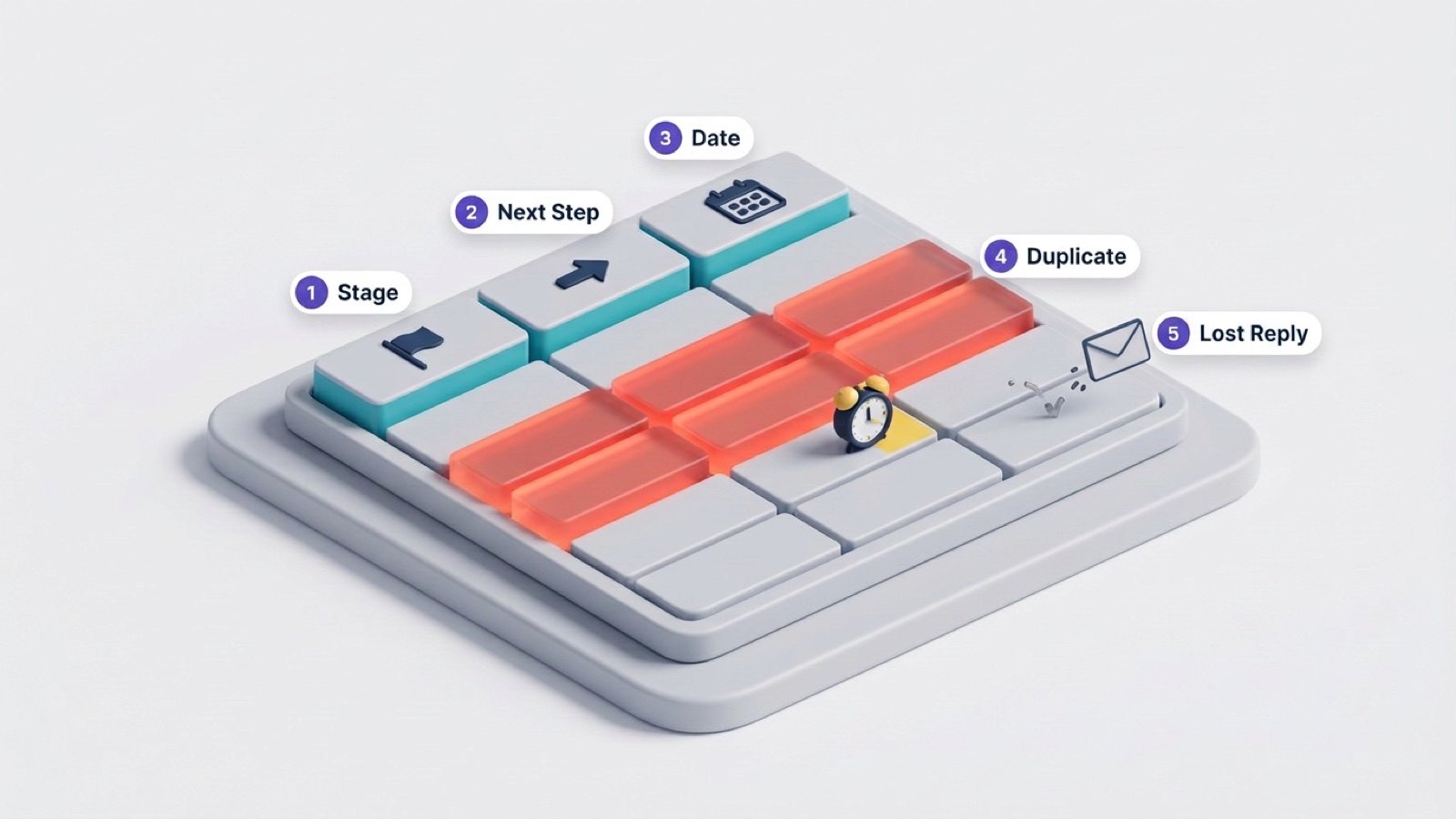

Why does a CRM end up with the same person twice?
Three ordinary things create duplicates.
- A record per email address. A buyer writes from a work address, then from a personal one. The CRM sees a new address and makes a new record.
- A tool that creates instead of finds. A LinkedIn tool, a form, an import or a sequencer sends a name and a profile link. If the CRM cannot match it to an existing person, it adds one.
- Several people typing. One person logs "Sam" and another logs "Samuel". Nothing links them.
Each copy holds part of the story: the replies on one, the LinkedIn messages on another, the call notes on a third. Nobody sees the whole history, and two people can write to the same buyer without knowing.
What does one person, many identifiers mean?
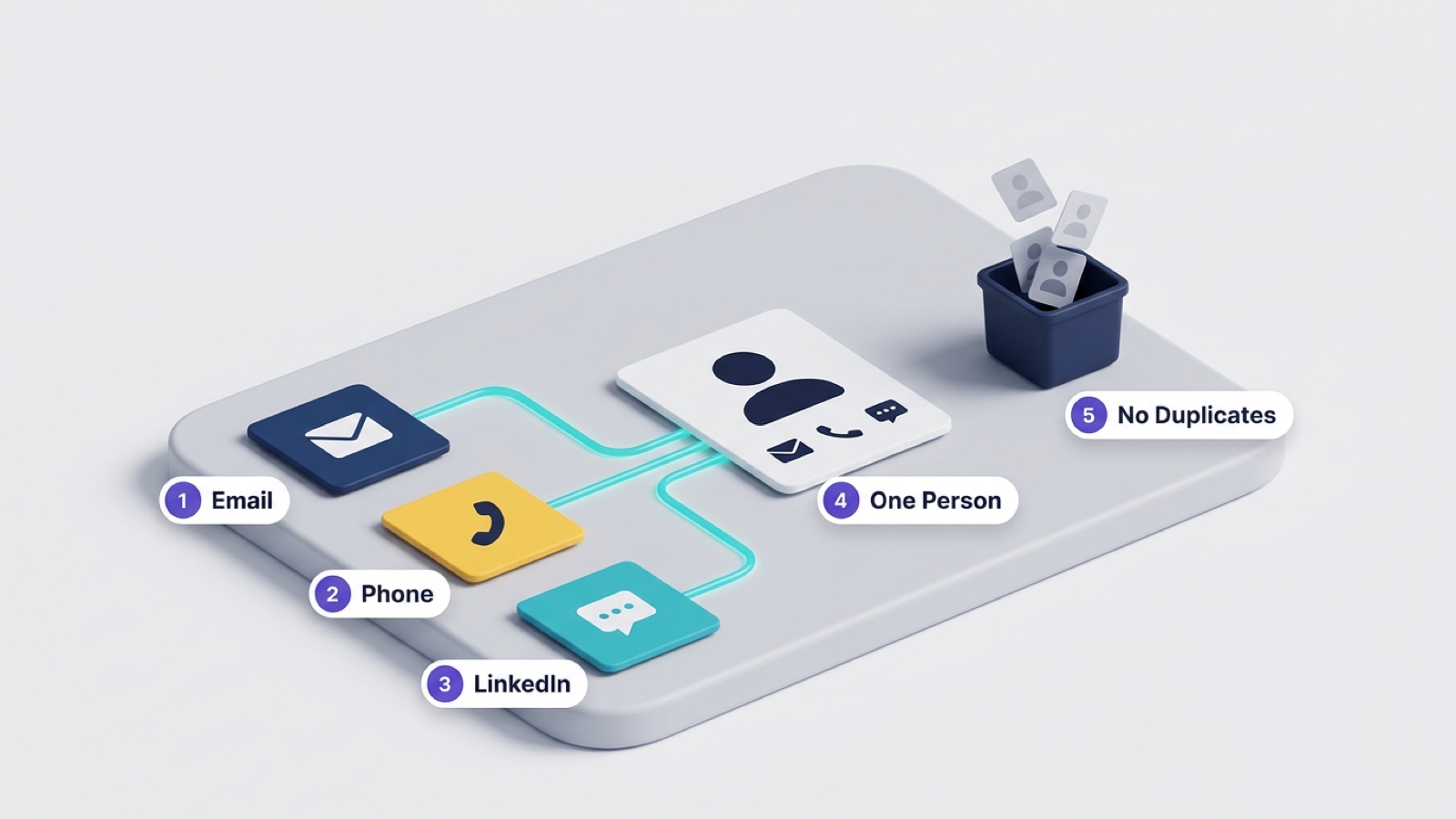
An identifier is a way to find a person: an email address, a phone number or a LinkedIn profile. A person is the human behind all of them. "One person, many identifiers" means the CRM holds one record for the human, and every identifier hangs off that record.
A scenario shows why it matters. A founder emails a buyer on Monday, the buyer accepts a LinkedIn request on Wednesday and calls from a mobile on Friday. With one record, the timeline reads: email, connection, call. With three records, you see three strangers and no sign that the buyer is warm.
The rule follows. Before creating anyone, look the person up by every identifier you hold. A new identifier for an existing person is added to that person. Name and title should match across the identifiers.
How do HubSpot, Close and folk handle duplicates?
Facts below come from each vendor's own help pages, as of 19 November 2026.
| Tool | What its own help says | Not found |
|---|---|---|
| HubSpot | You merge two records of the same object, and the Manage Duplicates tool sits under Data Management, Data Quality. The primary contact keeps its email, and the other contact's email becomes a secondary email. A merge cannot be undone. | How the tool joins a LinkedIn profile to a contact |
| Close | No built-in duplicate detection in the app. A support tool writes a CSV of likely duplicate leads and contacts; Close Support does the merge once, free. Lead duplicates match on name, phone or email. | A self-serve merge of detected duplicates |
| folk | Merges duplicate contacts automatically in the background, and you can merge by hand from a preview | The rules for what counts as a duplicate |
| RevyOps | Links each email, phone number and LinkedIn profile to one person as activity arrives; merges are confirmed by you | Not applicable |
"Not found" means we did not find it in the vendor's own pages or docs on the date checked. It does not prove the feature is missing. Merging is a one-way door in HubSpot, so merge on purpose. Close's route is slow but safe, because you review the list first. folk's automatic merge saves time if its matching suits your data.
How does RevyOps keep one record per person?
In RevyOps, a contact holds exactly one identifier, and a person is the human behind one or more contacts. A person with an email and a LinkedIn profile has two contacts. RevyOps links each email, phone number and LinkedIn profile to the right person as activity arrives, when the identifiers match, and merges are confirmed by you. RevyOps never merges two people on its own.
Other rules from the docs:
- A value that already belongs to another record is never duplicated. If you add an email that belongs to a different person, you are offered a merge with that person.
- When two contacts have different names filled in, RevyOps keeps them as separate people. A manual merge from the People page skips that check, because you choose the final name.
- A merge keeps every identifier from both people.
- If two different humans were merged by mistake, you can split their contact records apart.
- A person can hold at most 20 identifiers, and a person always keeps at least one.
What does it change for outreach and scoring?
- Outreach: you write to a human once, not three times. A buyer who replied by email does not get a LinkedIn message the next day.
- Scoring: activity adds up on one person. Three small touches on three records look like nothing; the same touches on one record look like interest.
- AI: an AI that reads or writes your CRM acts on every copy it finds. Clean records are what let a tool like Claude answer "who replied this week" and be right.
How do you clean up duplicates in the CRM you have today?
- Export your people to a spreadsheet and sort by LinkedIn URL, then by email, then by phone. Any value that appears twice is a likely duplicate.
- Check each pair by hand: same name, same company, same role.
- Merge into the record with the longest history. Keep every email and phone.
- Fix the source. Find the form, import or tool that creates records without looking first and change it.
- Repeat monthly for a quarter, then every quarter.
Questions people ask
What is a duplicate contact in a CRM?
Two or more records for the same human, usually made by a second email address, a form or a tool that adds a record instead of finding one.
Which CRM tracks email, phone and LinkedIn for the same person?
RevyOps holds all three under one person. HubSpot, Close and folk each handle duplicates in their own way; see the table above.
Does RevyOps merge duplicates automatically?
It links new activity to the right person when an identifier matches. You confirm any merge of two existing people.
Can a merge be undone?
In HubSpot, no. In RevyOps, you can split contact records apart if two people were merged by mistake.
How many duplicates is normal?
We found no vendor figure, and it depends on your sources. Count yours: the cleanup steps above show it in an hour.
How we compared
Each vendor detail comes from its own pages and docs, checked on 19 November 2026.
- HubSpot merge records: knowledge.hubspot.com/records/merge-records
- Close duplicates: help.close.com/getting-started/import-data-into-close/finding-and-merging-duplicates
- folk merge contacts: help.folk.app/en/articles/6819356-search-organize-contacts
- RevyOps people: docs.revyops.com/user-guide/people.md
- RevyOps people data model: docs.revyops.com/data-model/people.md