
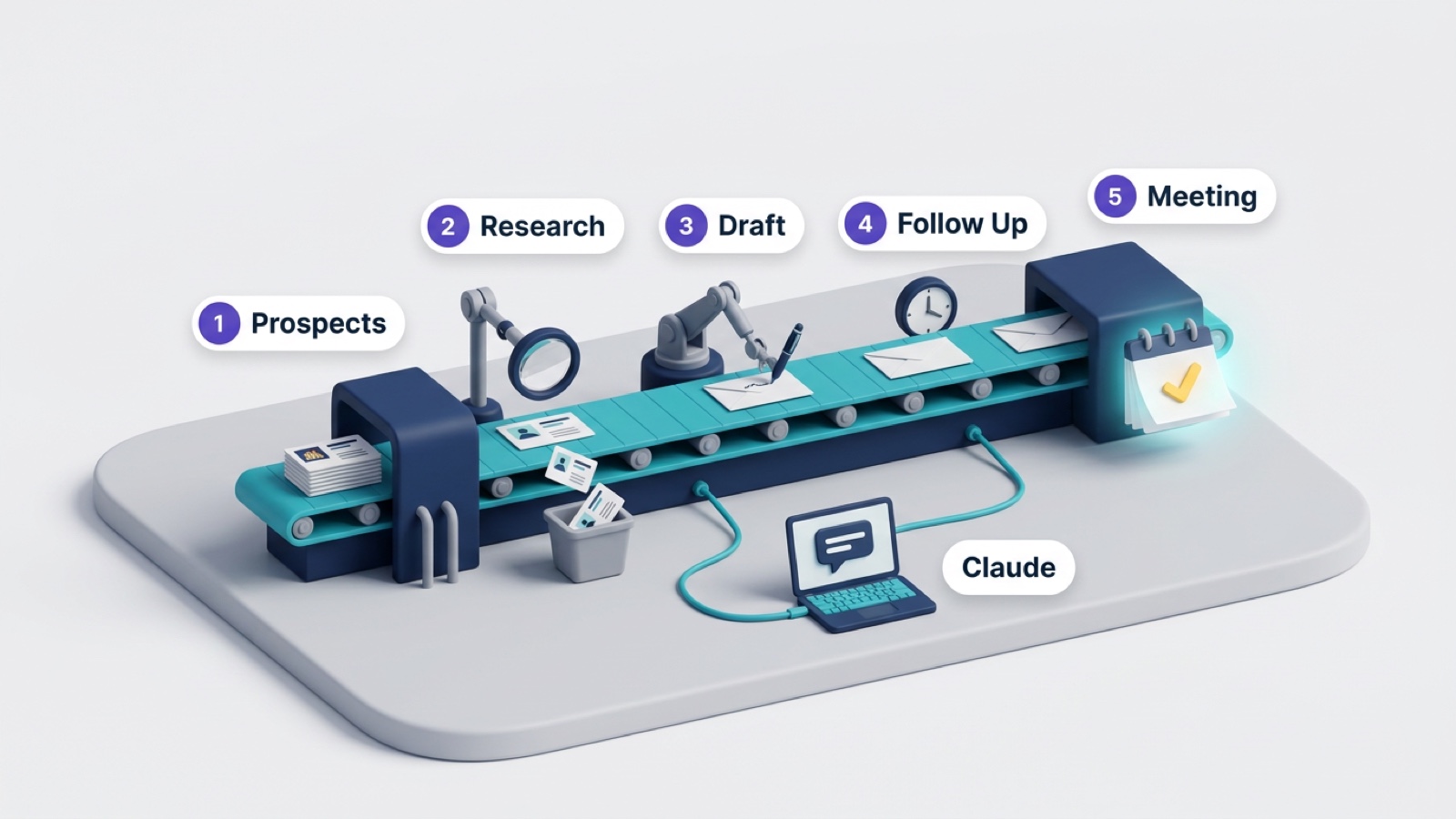
| Part of a sales day | What Claude does | What you do |
|---|---|---|
| Before a call | Reads the record, notes and emails, writes a one-page brief | Read it and decide the goal |
| Picking accounts | Ranks the 20 best accounts from a view and says why | Choose who to contact |
| Writing messages | Drafts a first message per person from the notes | Edit and send every one |
| After a call | Drafts the follow-up and the CRM note, creates the task | Check the facts and send |
| Weekly review | Lists stale deals and people who replied with no answer | Decide what to drop |
What does Claude do in a founder's sales day?
Claude reads your CRM, inbox and calendar, and writes. Take a Tuesday with two calls booked. In the morning, Claude writes a brief for each call from the person's record, the last emails and the notes. After each call, Claude drafts the follow-up email and the note for the CRM. In the afternoon, Claude finds 20 people worth contacting and drafts a first message for each one. You spend your time on the calls and the decisions.
Claude needs three things to do this. It needs access to your tools, which you set up with connectors. It needs to know how you sell, which you write once in a Project or a skill. And it needs a person who checks the work before anything goes out.
How do you connect Claude to your CRM, LinkedIn and email?
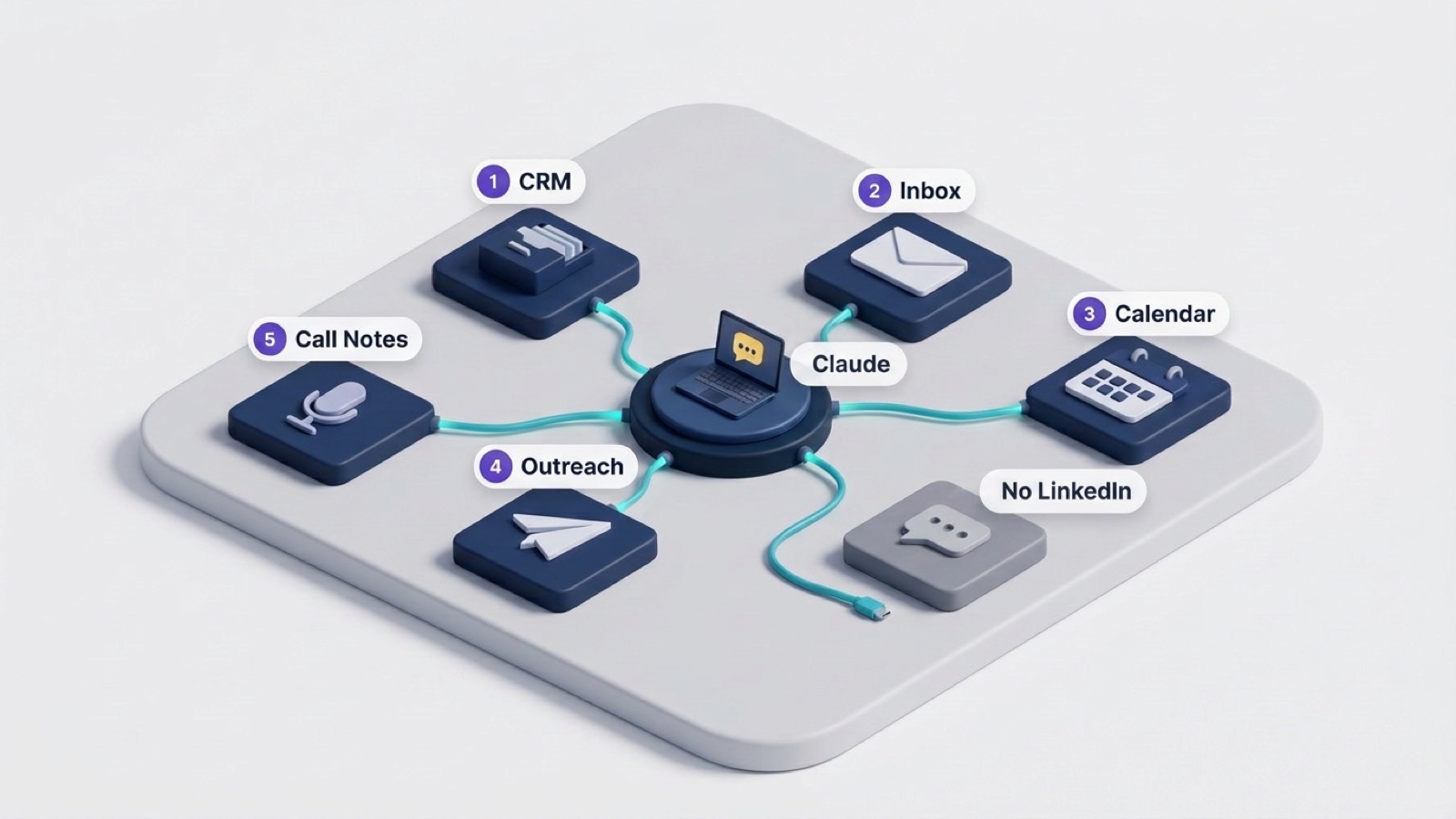
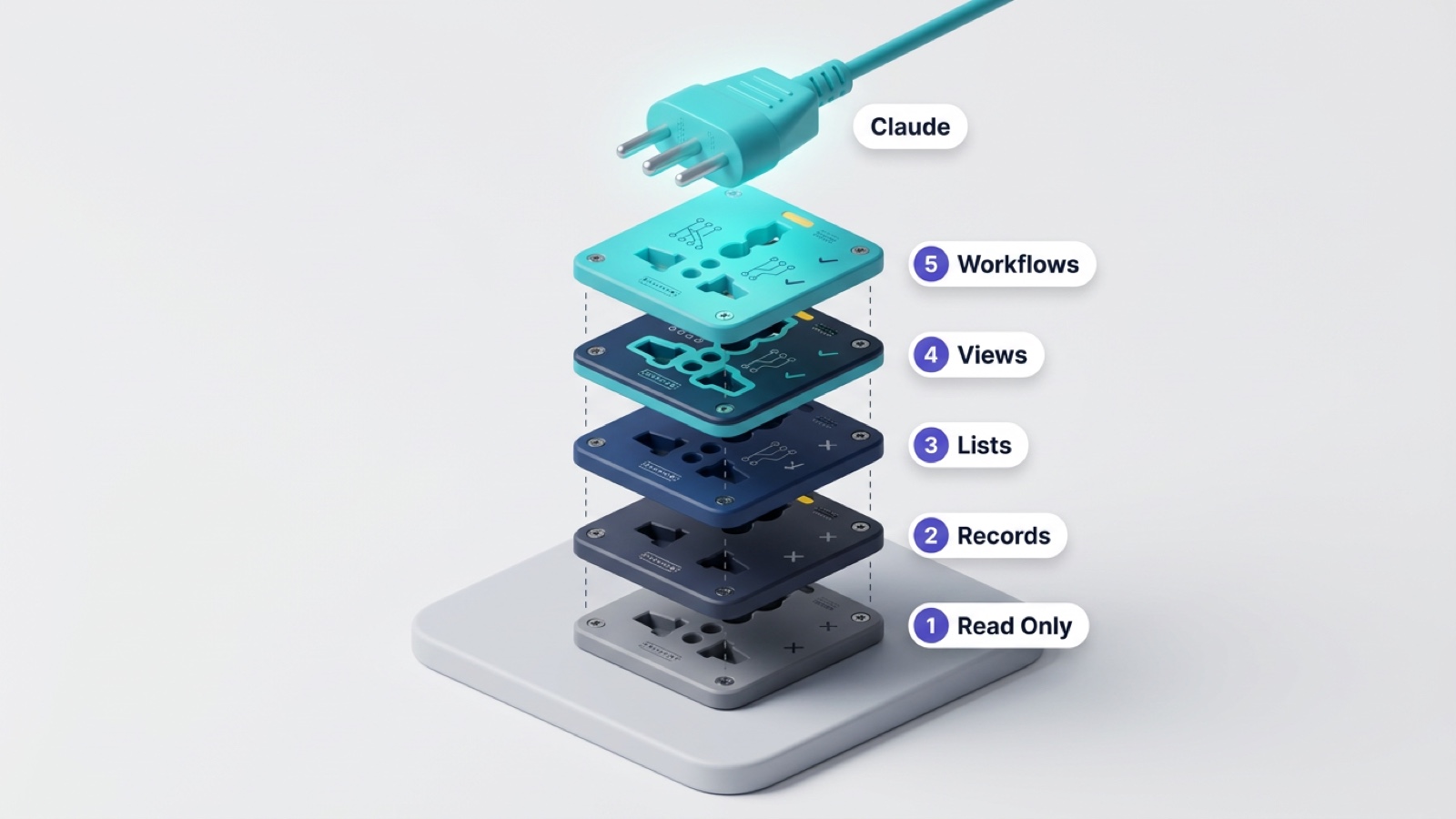
Claude connects to other tools through connectors, which use MCP (Model Context Protocol, an open standard for linking AI apps to outside systems). In claude.ai or the desktop app, open Customize, then Connectors, find the tool in the directory and sign in. For a tool that is not in the directory, you can add its server URL as a custom connector. Each connector has tool permissions, with Always allow, Needs approval and Blocked, so you can let Claude read freely and ask before it writes.
- CRM. HubSpot, Close, Attio, Pipedrive and Folk each publish an official MCP server. What Claude can create varies. See which tools to connect and which CRMs have an MCP server.
- Email and calendar. The Google connector covers Gmail and Google Calendar. Claude can search mail, draft, and send, reply or forward. Outside Auto mode, Claude asks for your approval before each send.
- LinkedIn. We found no official MCP server from LinkedIn. If you send LinkedIn outreach through HeyReach, HeyReach has an MCP server you add as a custom connector. Otherwise, paste a profile into the chat and ask Claude to read it.
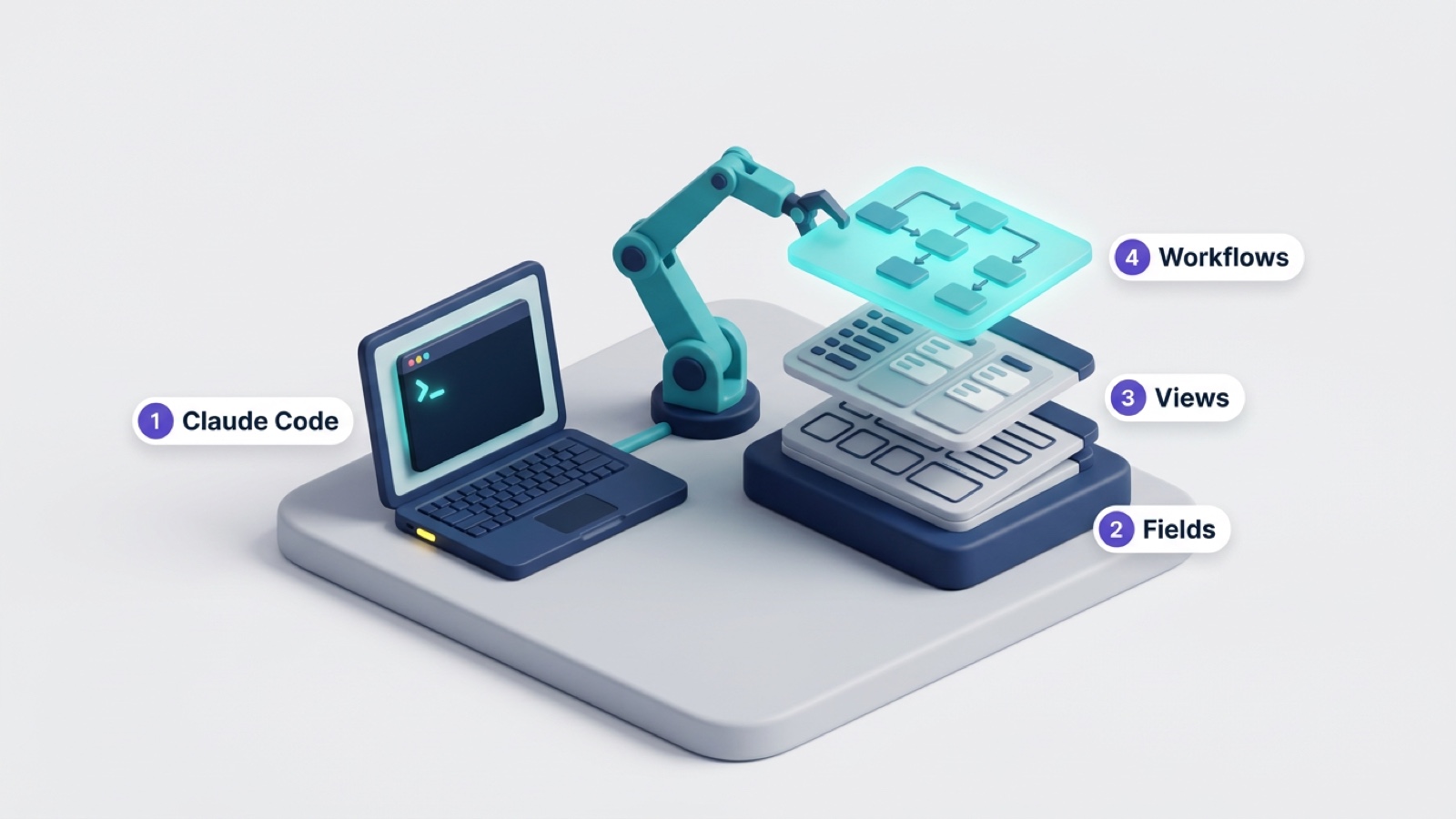
- Claude Code. Claude Code is Anthropic's coding agent. It reads the connectors you added in claude.ai, or you add a server with claude mcp add --transport http, then run /mcp to sign in. A founder who likes the terminal can run all five plays below from there.
Claude has three more features worth knowing. Projects are workspaces that hold your files and instructions, so Claude starts each chat knowing your offer. Skills are folders of instructions Claude loads when a task calls for them, such as "write a first message in our voice". Projects and Skills are both available on free and paid plans, and Skills need code execution turned on.
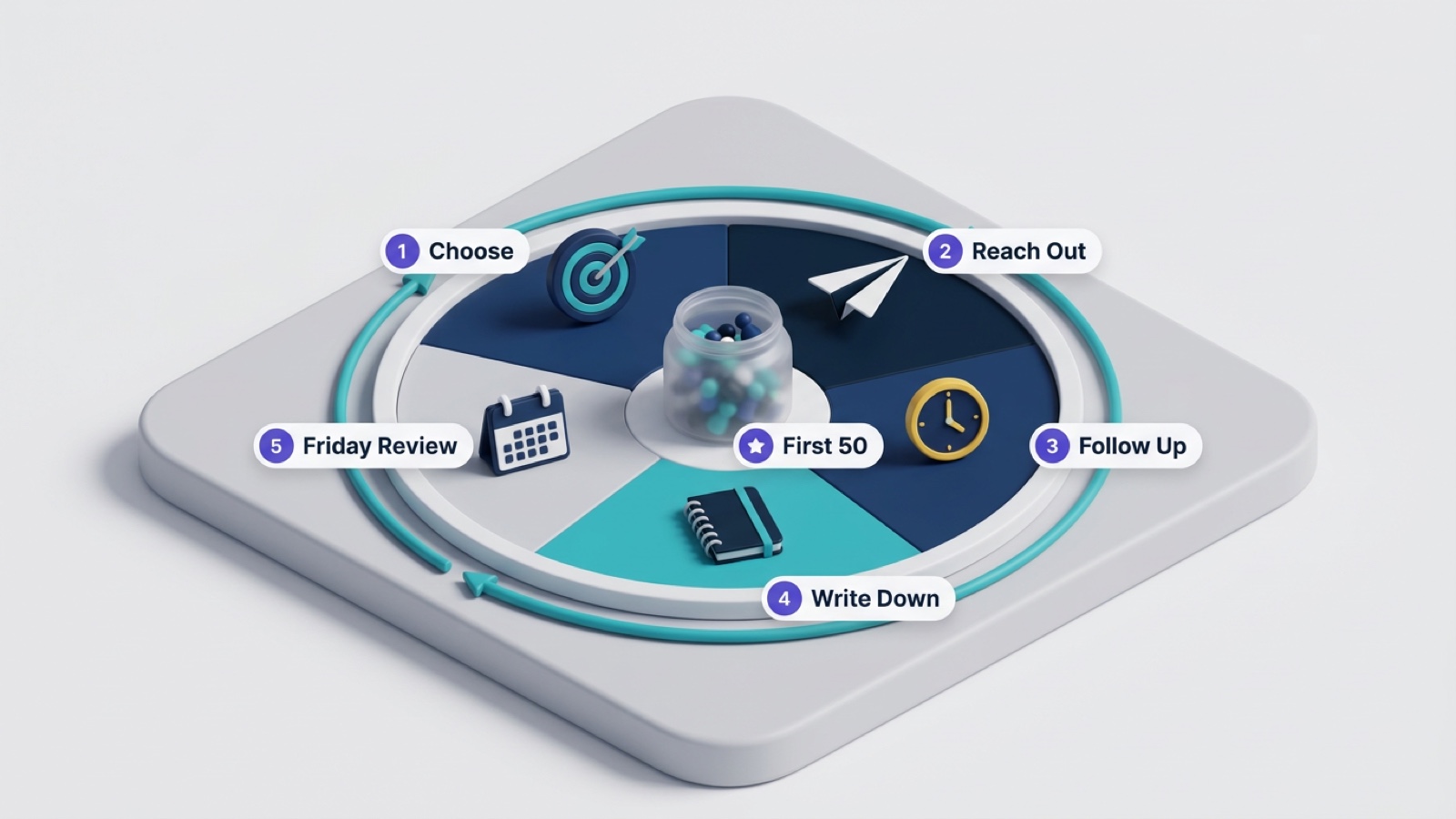
What are five plays to run this week with Claude?
- Meeting brief. Ask Claude: "I have a call with this person at 2 p.m. Pull their record, the last three emails and my notes, and write a one-page brief with three questions to ask." Needs the CRM, Gmail and Calendar connectors.
- Monday 20. Ask Claude to filter your CRM to people who replied in the last 30 days and have no next step, rank the top 20 and give one reason for each. Needs the CRM connector.
- First messages. Give Claude 20 people and what you know about each, and ask for a two-sentence first message per person. Read and edit every message before it goes out. Messages that sound the same read as machine-written, and cold email filters notice.
- Follow-up after a call. Paste the call notes. Claude drafts the email into Gmail as a draft, writes the CRM note and creates the task. You send the email.
- Friday pipeline check. Ask Claude to list open deals with no activity in two weeks and write a one-line next step for each. You decide which ones to close out.
All five start with Claude drafting, and none of them needs Claude to send anything.
What should you keep human?
- Sending. Keep send, delete and spend actions on Needs approval. A cold message goes out only after a person has edited it.
- Who to contact. Claude can rank accounts from the data in your CRM. You know the market, the timing and which names to leave alone.
- The call itself. Claude can prepare the conversation but cannot hold it.
- Facts. Claude can read a record wrong or invent a detail. Check a name, a number or a claim before you repeat it to a buyer.
- Pricing and promises. Terms you offer a buyer are your call.
Which CRM works best with Claude?
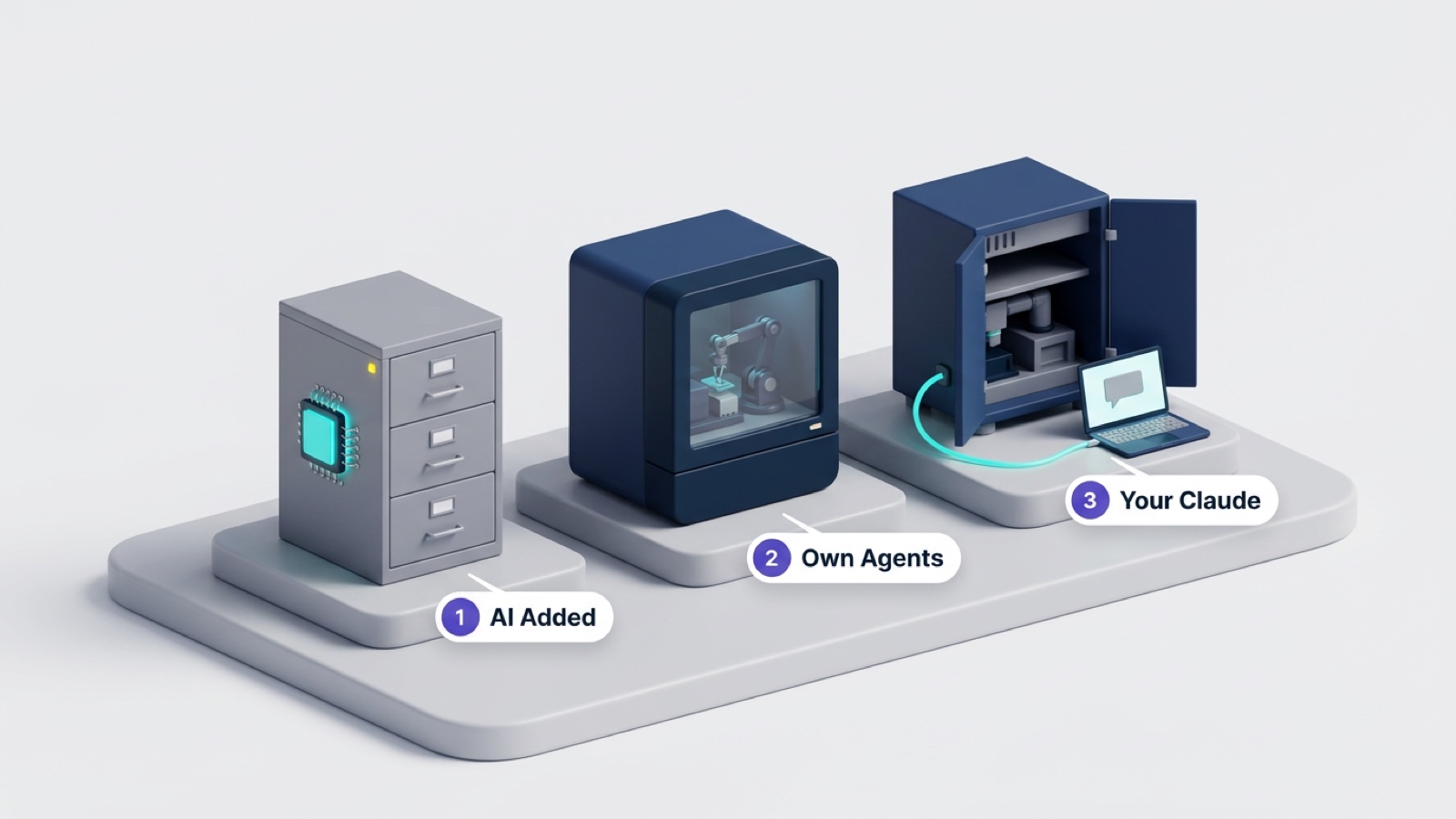
Most CRMs now let Claude read and write records. The difference is what Claude can build. RevyOps is a CRM built for the Claude you already use. Claude creates saved views, workflows and custom fields through its connector, and each email and LinkedIn touch lands on one record per person. HeyReach syncs on every plan, and Instantly and Smartlead on Pro and up. RevyOps launches on 26 January with a free plan, and the beta starts in December. If you already have a CRM you like, start with the plays above and connect it.
Questions people ask
Can Claude do sales prospecting?
Claude can research accounts, rank a list, and draft messages from your CRM and notes. A person should pick the targets and edit and send each message.
How do I use Claude for sales prospecting?
Connect your CRM and Gmail in Customize, then Connectors. Write how you sell into a Project. Then ask Claude for a list of 20 people with a reason for each and a draft message.
Does Claude have a CRM integration?
Yes, through connectors. HubSpot, Close, Attio, Pipedrive and Folk each have an official MCP server that Claude can use.
Can Claude send emails for me?
Through the Gmail connector, Claude can send, reply and forward. Outside Auto mode it asks for your approval before each send.
Can Claude connect to LinkedIn?
We found no official LinkedIn connector. HeyReach has an MCP server for outreach you run through it.
Do I need Claude Code?
No. The connectors work in claude.ai and the desktop app. Claude Code is for people who prefer the terminal.
How we compared
Each vendor detail comes from its own pages and docs, checked on 19 November 2026.
- Claude connectors: claude.com/docs/connectors/overview
- Claude custom connectors: support.claude.com/en/articles/11175166-get-started-with-custom-connectors-using-remote-mcp
- Claude Projects: support.claude.com/en/articles/9517075-what-are-projects
- Claude Skills: support.claude.com/en/articles/12512176-what-are-skills
- Claude Code MCP: code.claude.com/docs/en/mcp
- Google Workspace connectors: support.claude.com/en/articles/10166901-use-google-workspace-connectors
- HubSpot: developers.hubspot.com/mcp
- Close: developer.close.com/mcp
- Attio: docs.attio.com/mcp/overview
- Pipedrive: support.pipedrive.com/article/mcp-claude
- Folk: developer.folk.app/mcp/tools.md
- HeyReach: help.heyreach.io/en/articles/12123398-how-to-integrate-heyreach-mcp-with-claude
- RevyOps: docs.revyops.com