
How many deals can a spreadsheet CRM handle?
The tool's limit is not the problem. Google lists up to 20 million cells for a spreadsheet in Google Sheets, and Microsoft lists 1,048,576 rows by 16,384 columns for an Excel worksheet. A sales list will not reach either.
The limit that matters is attention. A spreadsheet is passive: it does not tell you which deal went quiet. It works while you open it every day and the list is short enough to read. Once you stop opening it, it fails without a warning.
What columns does a Google Sheets CRM template need?
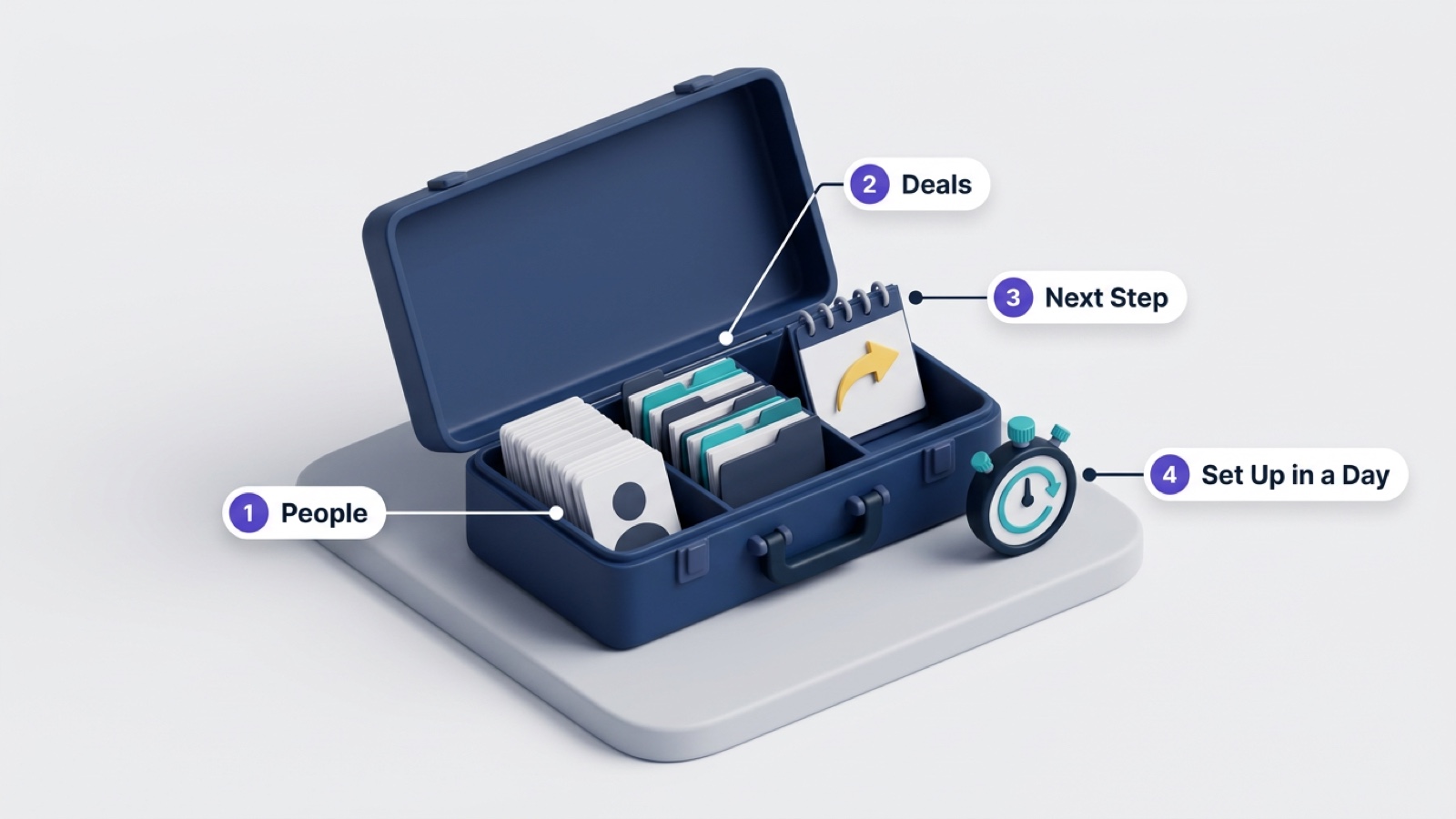
Use one row per person, one tab for the list and one for notes if you want them. The first eight columns are the ones every sales sheet needs. The rest are optional.
| Column | What goes in it | Why it is there |
|---|---|---|
| Person | Full name | One row per human |
| Company | Company name and domain | Groups the people at one company |
| Work email, one per cell | Matches replies to the row | |
| LinkedIn URL | Profile link | Second way to find the same person |
| Source | Cold email, referral, website, event | Shows which source brings customers |
| Stage | Lead, contacted, replied, meeting booked, proposal, won, lost | Gives you a pipeline |
| Next step | One line, such as "send the case study" | A deal with no next step is stalled |
| Next step date | A date | Sort by this column every morning |
| Last touched (optional) | Date of the last message or call | Shows who went quiet |
| Fit 1 to 5 (optional) | How well they match your ICP (ideal customer profile) | Decides who you contact first |
| Deal value (optional) | A number | Orders the pipeline |
| Notes (optional) | Two lines of what was said | Reads cold a month later |
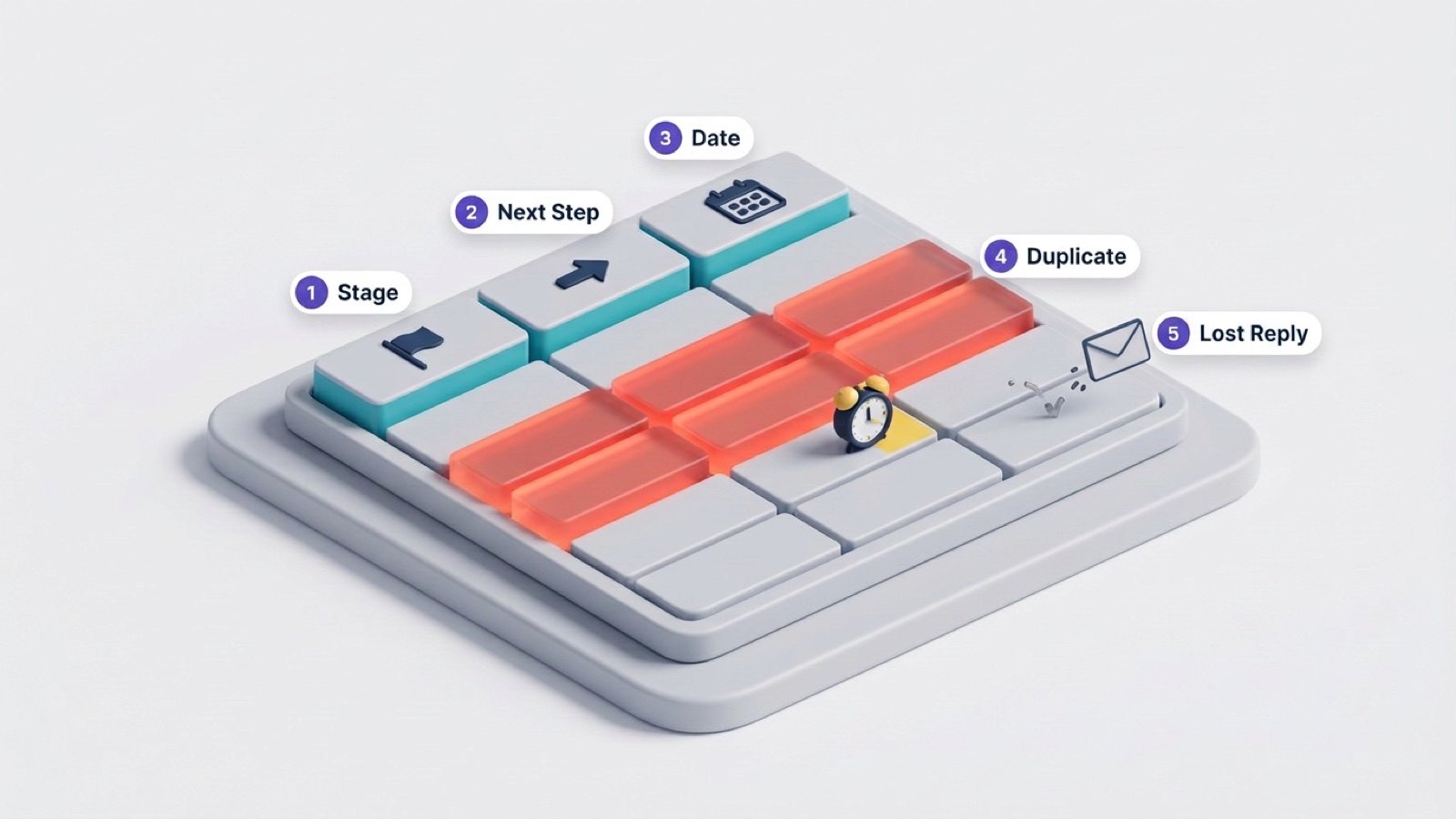
Three formatting steps help. Use a dropdown for Stage so every row uses the same words (Google has an in-cell dropdown feature). Use conditional formatting to turn a row red when the next step date is before today; Google's help describes it as changing a cell's or row's color when it meets a condition. Sort by next step date, so the day's work sits on top. The downloadable template is coming; this table is the full column list.
What can a spreadsheet not do?
- Remind you. Nobody gets a nudge when a deal goes quiet. You find out when you open the sheet, or when the buyer replies to someone else.
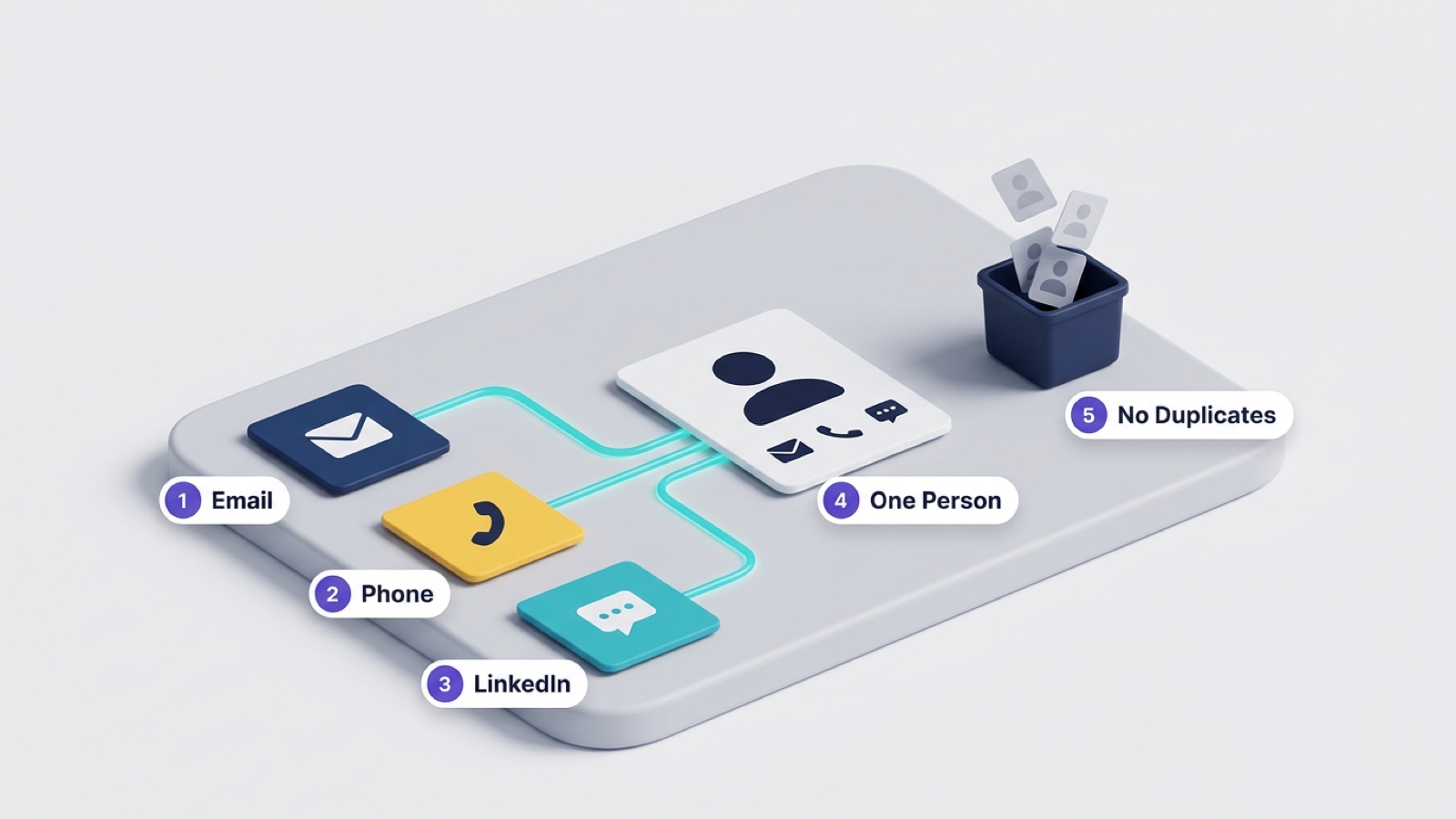
- Keep one person in one row. A buyer who writes from two email addresses, or who also replies on LinkedIn, ends up as two rows unless you check by hand. See [one record per person](/guides/one-record-per-person).
- Log activity by itself. Sent emails, replies and LinkedIn messages live in other tools, so you copy them in.
- Keep history. Overwrite the Stage cell and the previous stage is gone. A sheet holds the current state of each row, not a list of what happened to one person.
- Let two people work safely. Two sellers editing one list will overwrite each other's choices unless you agree on rules.
- Score. A sheet cannot tell you who visited your pricing page twice.
When should you stop using a spreadsheet CRM?
Move when two of these are true:
- You have missed a follow-up because the sheet did not tell you.
- You found the same person twice.
- You paste replies into the sheet by hand every week.
- A second person has started to sell.
- You spend more time keeping the sheet tidy than talking to buyers.
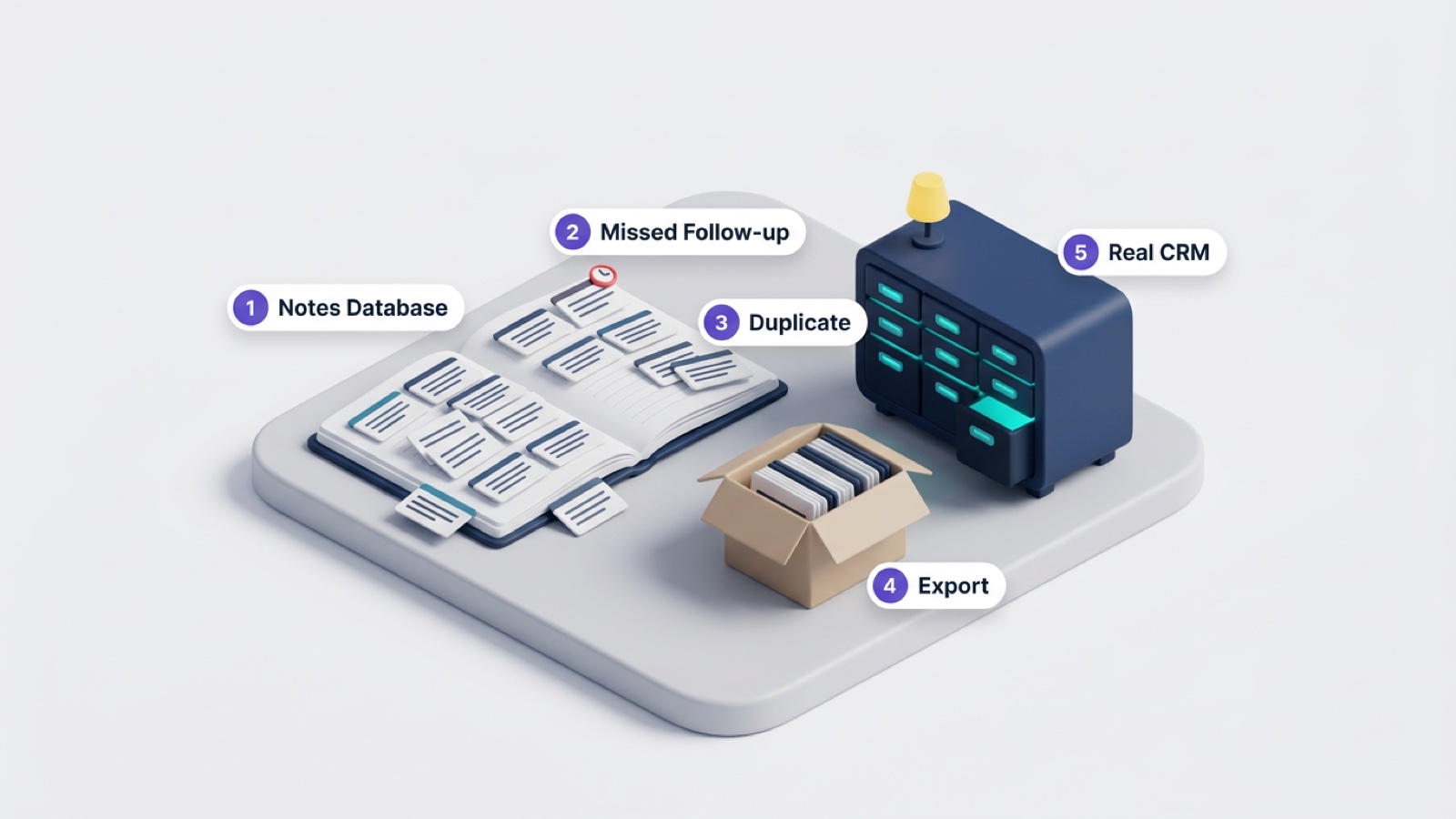
How do you move from a sheet to a CRM in an afternoon?
- Delete duplicates. Sort by email and by LinkedIn URL and merge any person who appears twice.
- Check the columns. Email in one cell, a real date in the date columns and a stage from your short list in every row.
- Save the sheet as a CSV file.
- Import the CSV into the CRM and map each column to a field.
- Spot-check ten rows against the sheet. Keep the sheet for a month, read-only.
If you track the same list in Notion today, see [Notion as a CRM](/guides/notion-crm). The weekly routine that goes with either tool is in [founder-led sales](/guides/founder-led-sales).
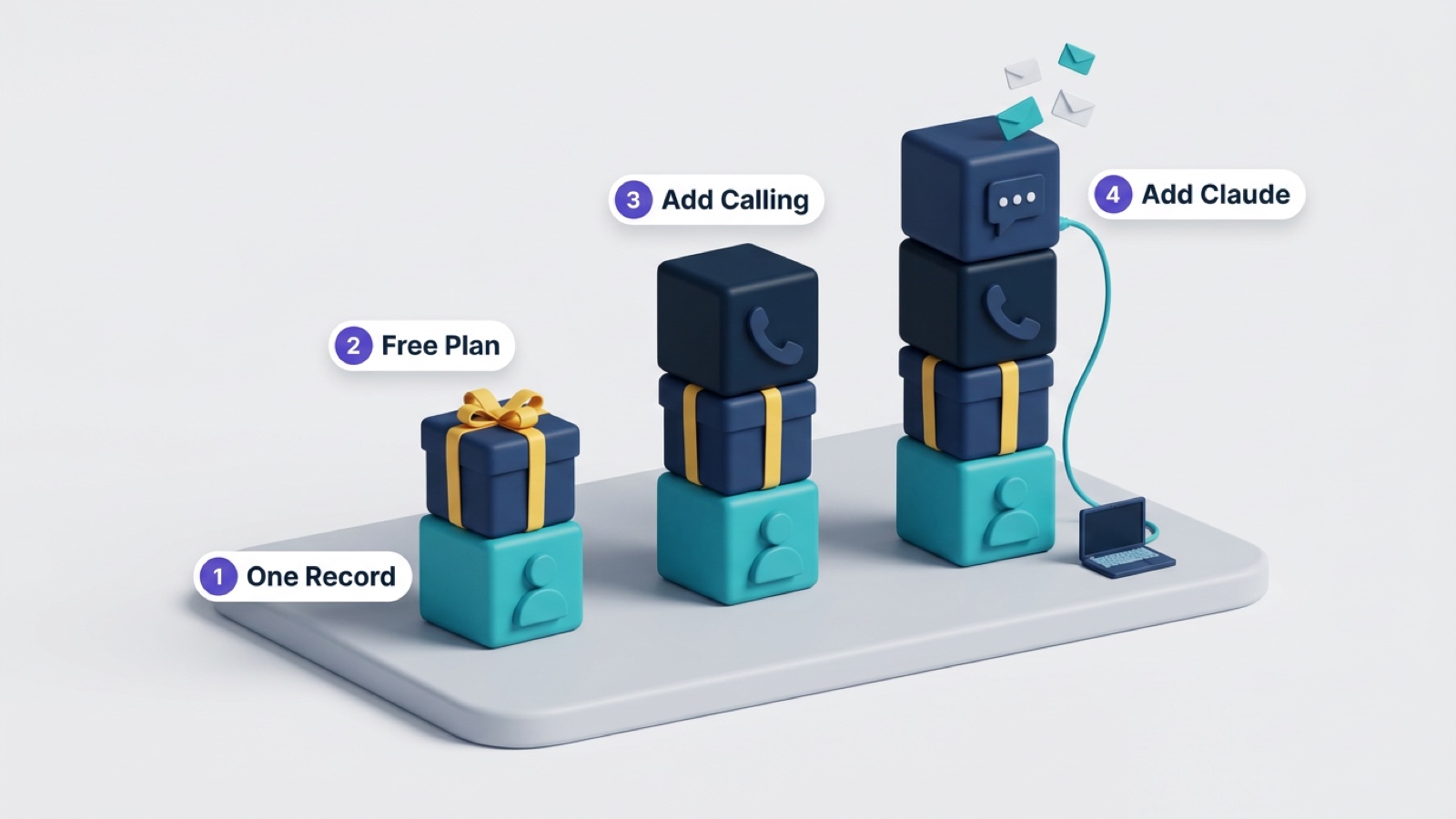
RevyOps launches on 26 January with a free plan. It is a CRM for a founder who works with Claude: each email, LinkedIn touch and logged call lands on one record per person. Use a sheet while the list is short. Look at a CRM when the follow-ups slip.
Questions people ask
Is there a free Google Sheets CRM template?
The column list above is one. Copy the first eight columns into a new sheet and add the optional ones when you need them.
Can I use Excel as a CRM?
Yes, with the same columns. Microsoft lists 1,048,576 rows per worksheet, far more than a founder's list needs.
What is a sales pipeline template?
A list of deals with a stage, a next step and a date for each. The Stage column above is the pipeline; filter by it to see each step.
What is the best way to track follow-ups in a spreadsheet?
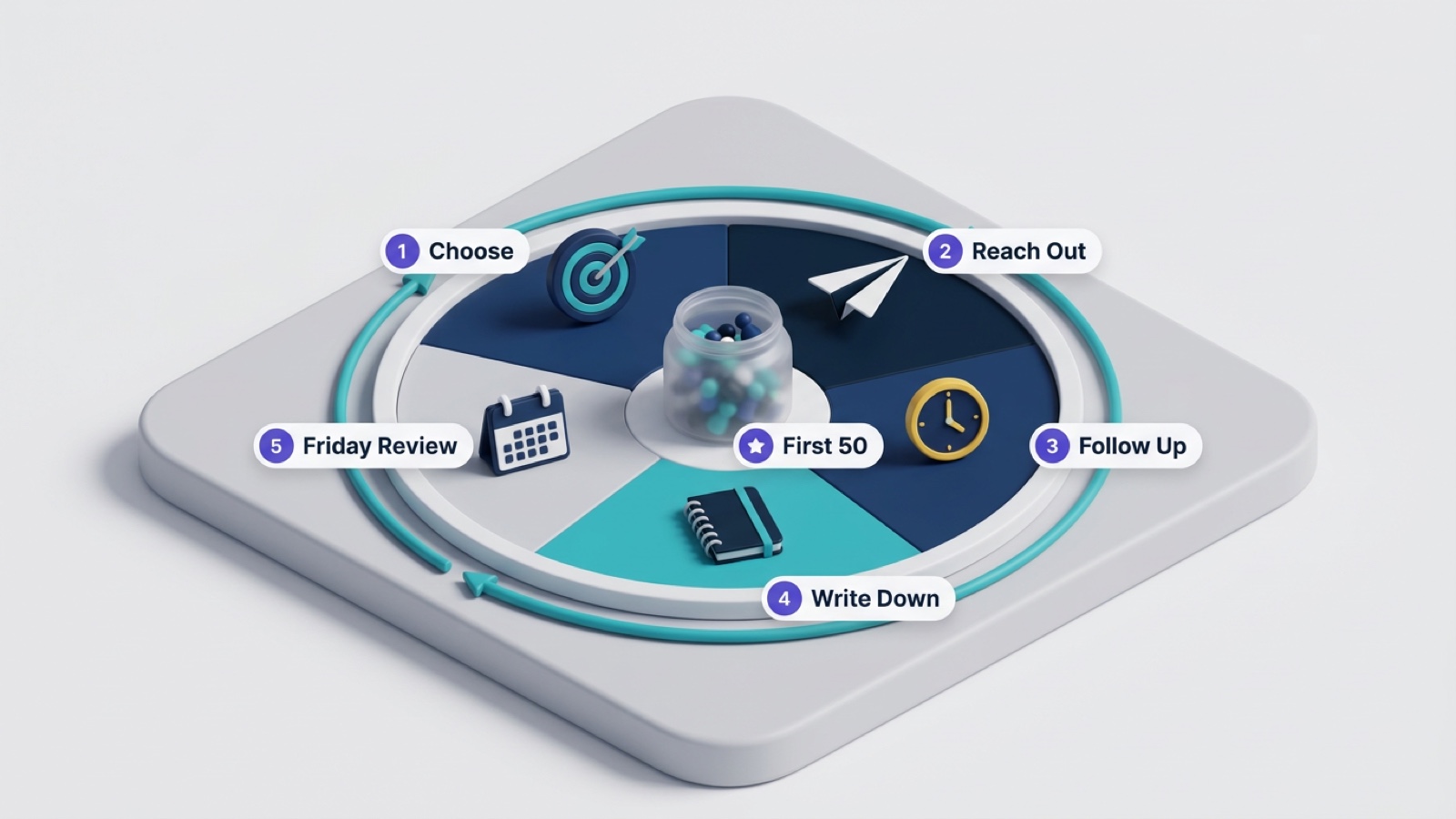
Keep a Next step date column, sort by it every morning and color past dates red with conditional formatting.
When is a spreadsheet no longer enough?
When you miss a follow-up, find a person twice, or paste activity by hand every week.
How we compared
Each vendor detail comes from its own pages and docs, checked on 19 November 2026.
- Google Sheets limits: support.google.com/drive/answer/37603
- Google Sheets conditional formatting: support.google.com/docs/answer/78413
- Microsoft Excel limits: support.microsoft.com/en-us/office/excel-specifications-and-limits-1672b34d-7043-467e-8e27-269d656771c3